

This page compares ChatGPT and Gemini as photo editors: you upload an existing image and ask for one change. If you want to create images from scratch, that’s a different test; see ChatGPT vs Gemini for image generation.
- Precise edits (“change only this”): ChatGPT. In our test it removed exactly what we asked and left everything else alone.
- Gemini did the edit too, but added a detail nobody asked for, the same habit it showed in our generation tests.
- Either way: compare the whole edited image with the original before you use it.
How I Tested
- When and where: September 2026, on the free tiers of ChatGPT and Gemini. The exact image-model versions weren’t recorded at the time; both companies update their models often, so results can change.
- The starting image: a portrait generated with ChatGPT for this test. It is not a photo of a real person, so no one’s personal photo was uploaded.
- Method: the same instruction in both tools, run once each, keeping the first result.
One run per tool is a snapshot, not a verdict; more editing tests (backgrounds, lighting, object removal from street photos) are being added to this page.
The Edit Test: Remove One Thing, Change Nothing Else
Instruction: “Remove only the jasmine flower from the image without changing anything else.”



ChatGPT: clean. The flowers are gone, and the hair, earrings, necklace and saree look the same as in the starting image.
Gemini: the flowers are gone too, but it added a small sparkle near the shoulder that wasn’t in the original. Easy to miss if you only look at the hair.
ChatGPT wins this one. For “change only this” edits, adding anything extra is a failure, however small.
What the Generation Tests Showed About Each Tool
We also gave both tools two create-from-scratch prompts, a bakery poster with exact text and a realistic photo of someone holding a coffee cup. The full results and images are in our image generation comparison, but they show the same habits that matter for editing:
- ChatGPT is literal but can drop details. It cut “20%” from the poster headline, leaving “-Off”, and its “coffee” turned out to be a cup of milky tea.
- Gemini adds things. It changed the discount to 50%, invented a bakery name, address and Instagram handle, and printed text on a mug when the prompt said “no text”.
| Test | ChatGPT | Gemini | Winner |
|---|---|---|---|
| Remove one object (editing) | Clean, nothing else changed | Removed it, but added a sparkle | ChatGPT |
| Poster with exact text (generation) | Dropped “20%” | Changed it to “50%”, added details | Neither |
| Realistic photo, no text (generation) | Natural; tea instead of coffee | Polished; printed text on the mug | ChatGPT, narrowly |
Common Edits to Try (Not Tested Here Yet)
These are the edits people use AI photo editors for most. We haven’t run them head to head yet, so treat these as starting prompts, and check the result against your original.
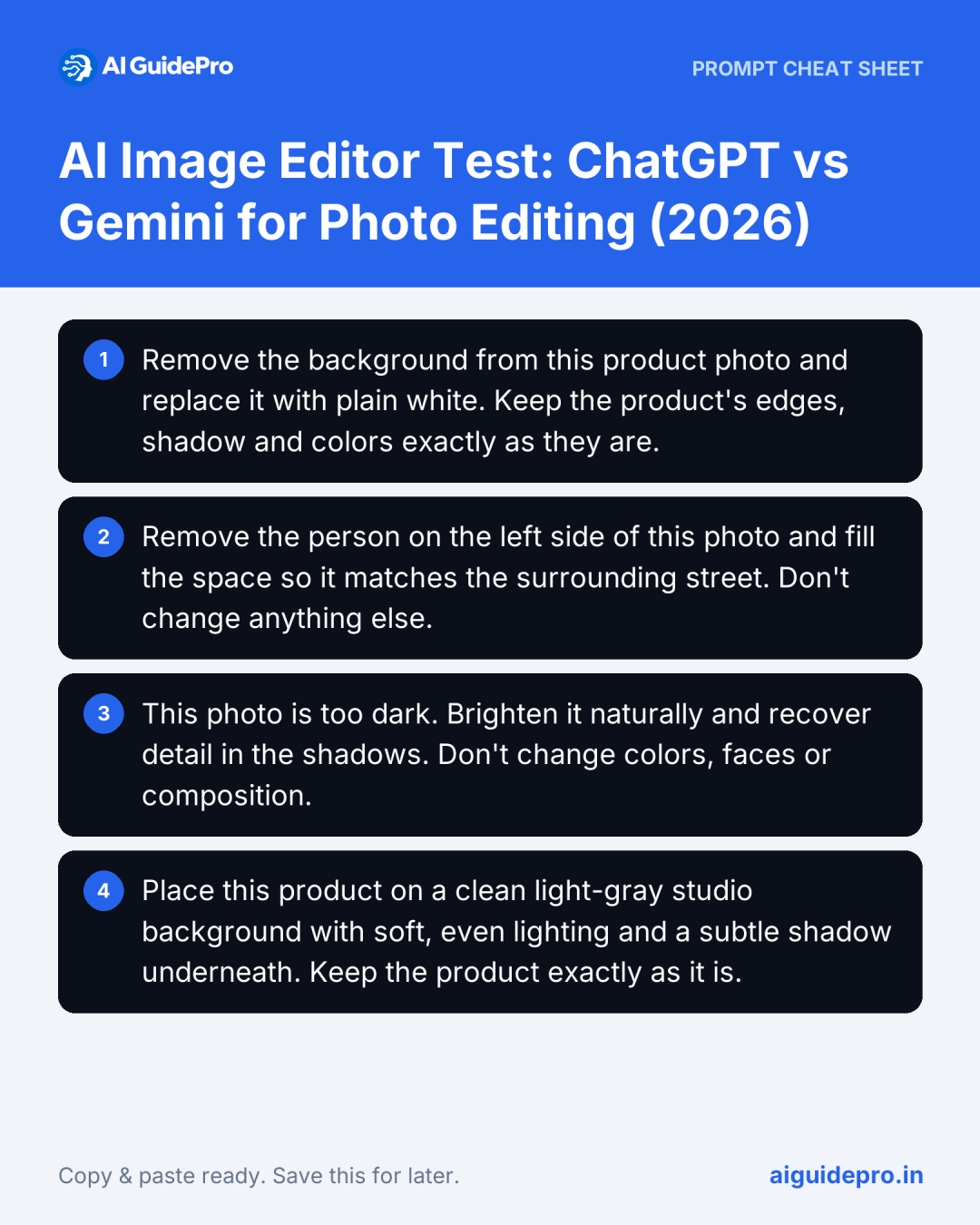
Remove a background
Remove the background from this product photo and replace it with plain white. Keep the product's edges, shadow and colors exactly as they are.Remove a person or object from a street photo
Remove the person on the left side of this photo and fill the space so it matches the surrounding street. Don't change anything else.Fix a dark photo
This photo is too dark. Brighten it naturally and recover detail in the shadows. Don't change colors, faces or composition.Put a product on a studio background
Place this product on a clean light-gray studio background with soft, even lighting and a subtle shadow underneath. Keep the product exactly as it is.For a wider range of editing apps, from Canva to Photoshop, see the best AI image editors in 2026. For ChatGPT’s newest image tools, including markup and object removal, see I Tested ChatGPT Images 2.5.
Tips That Made a Difference
- Say what must not change. “Without changing anything else” is what kept ChatGPT’s edit clean.
- Name exactly one change per request. Ask for the next change once the first is right.
- Check numbers and text. In our generation tests one tool dropped a discount and the other changed it; neither is acceptable on a real poster.
- Compare the whole image, not just the edited spot. Gemini’s sparkle was nowhere near the flowers.
- Download the original first. Keep it so you can compare and start again.
Mistakes to Avoid
- Assuming the AI only does what you asked. In our tests it was Gemini that added extras: a bakery name, an address, mug text and a sparkle.
- Trusting one run. Results vary between attempts, and models change. Test on your own photos before relying on either tool.
- Uploading photos you shouldn’t. Check the privacy terms, and don’t upload photos of other people without their permission.
- Editing listing photos misleadingly. Removing clutter or a parked car from a property photo is fine; removing cracks, damp or anything a buyer needs to know isn’t, and can break listing rules. More on this in our AI for real estate guide.
What the Free Tiers Gave Us
Every test above ran on free accounts, and neither tool asked us to upgrade during these tests. Heavy daily use can hit limits that a short test like this won’t show; check each tool’s current plan page for limits.
Verdict
For editing an existing photo, ChatGPT is the safer choice: it changed only what we asked. Gemini can produce a more finished-looking result, but it tends to add things, so you have to check every part of the image. If precision matters, as with product photos, listings or anything going to a client, start with ChatGPT and still compare the result with your original.




[…] approach 1, see our tests of ChatGPT vs Gemini for photo editing and our list of the best AI image […]