Most of an agent’s week isn’t selling. It’s writing listings, answering the same questions, chasing follow-ups and updating spreadsheets. These 12 AI tools take on that work for solo agents, investors and brokerages. For each one you’ll find what it costs, who it suits and where it falls short.
Note: most of these tools are built for the US market, and several (HouseCanary, PropStream, Homebot) rely on US property data. ChatGPT, Canva, REimagineHome and CustomGPT.ai work anywhere. Prices were checked on each tool’s website in October 2026.
The 12 Tools at a Glance
| Tool | Best for | Price | Free plan or trial |
|---|---|---|---|
| ChatGPT | Listing descriptions, emails, posts | Free; paid plans | Free plan |
| Canva | Flyers and social graphics | Free; Canva Pro paid | Free plan |
| REimagineHome | Virtual staging | $14–$99/month | 5 free designs |
| Follow Up Boss | Lead follow-up (CRM) | From $69/user/month | 14-day trial |
| Structurely (21X) | Instant replies to new leads | On request | Demo |
| Homebot | Home-value updates for past clients | On request | Demo |
| HouseCanary | Valuations and market data | On request | Plans page |
| PropStream | Off-market seller leads | Paid plans | 7-day trial, 50 free leads |
| DealCheck | Rental and flip analysis | Free; $10–$20/month | Free plan |
| Lofty | All-in-one platform for teams | On request | Demo only |
| Prophia | Commercial lease abstraction | On request | Demo |
| CustomGPT.ai | Internal Q&A on your own documents | From $99/month | 7-day trial |
What AI Actually Does for Real Estate Work
Three jobs, mostly: writing (listings, emails, social posts), responding (replying to new leads and routine questions, even at night) and analysing (valuations, comparables and deal numbers). The tools below are grouped by who uses them most. None of them replaces knowing your market. They clear the routine work so you have more time for clients.
Best AI Tools for Solo Agents
ChatGPT: The Writing Powerhouse
ChatGPT turns a list of property facts into a listing description, a follow-up email or a week of social posts. It’s only as accurate as what you give it, so paste in the real details: square footage, upgrades, the street, what you noticed at the showing. Start with this prompt:
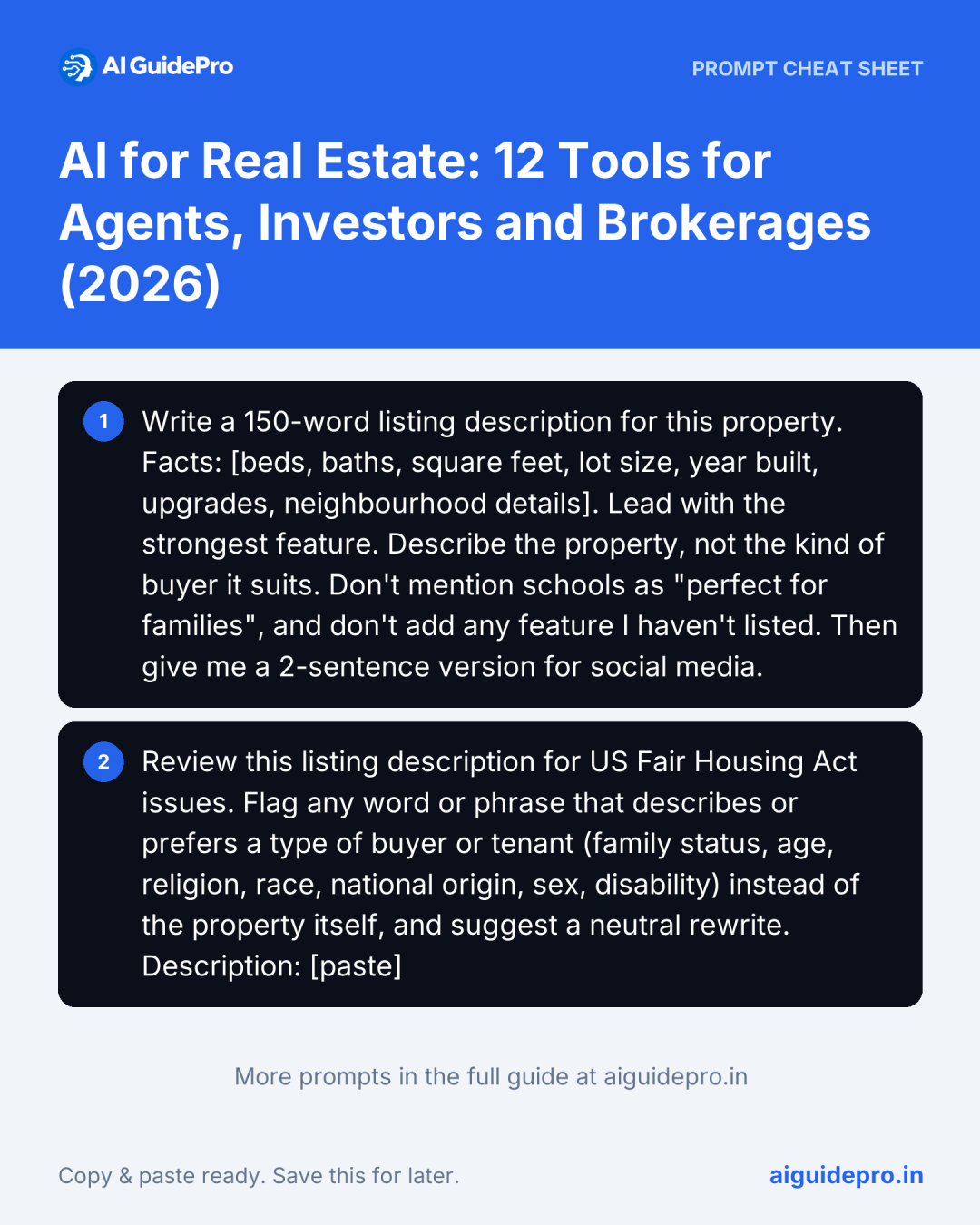
Write a 150-word listing description for this property. Facts: [beds, baths, square feet, lot size, year built, upgrades, neighbourhood details]. Lead with the strongest feature. Describe the property, not the kind of buyer it suits. Don't mention schools as "perfect for families", and don't add any feature I haven't listed. Then give me a 2-sentence version for social media.- Price: Free plan; paid plans for higher limits.
- Best for: listing descriptions, open-house emails and social captions.
- Limitation: it will invent features (a “renovated kitchen”, a “quiet street”) if you don’t supply them. Check every line against the property.
Canva: Design Without the Designer
Canva’s templates and AI design tools turn listing photos into flyers, “Just Listed” posts and open-house signs in minutes, all in your brand colours.
- Price: Free plan; Canva Pro is paid, and the price varies by country.
- Best for: agents who make their own marketing.
- Limitation: the free plan limits some AI features, and untouched templates look like everyone else’s, so swap in your own fonts and photos.
REimagineHome: Virtual Staging
Upload a photo of an empty room and REimagineHome furnishes it, so buyers can picture the space. It also handles lighter edits like decluttering.
- Price: Plans from $14 to $99 a month on a credit system (1 credit per design). New users get 5 free designs with no card.
- Best for: vacant listings and rentals.
- Limitation: many MLSs and listing portals require virtually staged photos to be labelled, and the furniture must not hide defects. Check your MLS rules before posting.
Follow Up Boss: Never Drop a Lead
Follow Up Boss is a CRM built for agents. It pulls leads from your website and portals into one place and reminds you who to contact next. Its AI features summarise conversations, suggest messages and rank the leads most likely to act.
- Price: Grow is $69 per user a month ($58 billed annually). Pro is $499 a month for 10 users. 14-day free trial, no contract.
- Best for: solo agents and small teams with leads coming from several sources.
- Limitation: on the Grow plan, some AI features depend on the paid calling add-on ($39 per user a month).
Structurely (21X): Instant Lead Replies
Structurely, now also branded 21X, is a conversational AI that replies to new leads by text, email, chat or voice, asks qualifying questions and books appointments, so a lead that comes in at 11 p.m. still gets an answer.
- Price: Not published. Book a demo.
- Best for: agents who buy online leads and can’t reply to all of them within minutes.
- Limitation: it now serves several industries, so ask to see the real estate setup specifically in the demo.
Homebot: Stay in Touch With Past Clients
Homebot sends your past clients a regular update on their home’s value, equity and financing options, branded with your name. It’s used by agents and loan officers to stay top of mind until the client is ready to move.
- Price: Not published on the homepage; pricing depends on whether you’re an agent or a loan officer.
- Best for: agents with a database of past buyers and sellers.
- Limitation: it’s built around US home values and mortgages.
Best AI Tools for Investors
HouseCanary: Valuations and Market Data
HouseCanary gives AI-driven property valuations, comparable sales, CMAs and market forecasts across all 50 US states. Its main customers are investors and lenders, and verified agents can get unlimited CMAs.
- Price: Not listed on the homepage. See its plans page or contact sales.
- Best for: investors comparing many properties and markets.
- Limitation: US-only, and aimed mainly at businesses rather than individual buyers.
PropStream: Find Off-Market Sellers
PropStream builds lists of owners who may sell before they list: pre-foreclosures, tax liens, vacant properties and more, with over 165 filters. Its AI search lets you describe the list you want in plain language.
- Price: Paid plans; 7-day free trial with 50 free leads.
- Best for: investors and agents who do direct-to-owner marketing.
- Limitation: US data only, and the list is just the start. You still have to contact owners within local rules on calls and texts.
DealCheck: Run the Numbers on a Deal
DealCheck isn’t an AI tool. It’s the calculator many investors pair with AI research. Enter the price, rent, expenses and financing, and it shows cash flow, cap rate and return for rentals, flips and BRRRR deals.
- Price: Free Starter plan (up to 15 saved properties); Plus $10 a month, Pro $20 a month.
- Best for: checking whether a deal works before you make an offer.
- Limitation: the answer is only as good as your rent and expense estimates. Use real local comparables, not hopeful ones.
Best AI Tools for Brokerages
Lofty: All-in-One Platform
Lofty combines a CRM, IDX websites, lead generation and AI assistants for agents, teams and brokers in one system, so leads, marketing and follow-up live in one place.
- Price: Not published. Lofty doesn’t offer a free trial; you book a demo.
- Best for: teams and brokerages that want to replace several tools with one.
- Limitation: moving a whole team onto one platform is a project. Plan the data migration before you sign.
Prophia: Commercial Lease Abstraction
Prophia is for commercial real estate. It uses AI to pull the key terms (rent, dates, options, obligations) out of leases, and commercial real estate experts check the results. Teams use it for acquisitions, asset management and investor reporting.
- Price: Not published. Request a demo.
- Best for: commercial landlords, asset managers and acquisition teams.
- Limitation: not built for residential sales or rentals.
CustomGPT.ai: An Assistant Trained on Your Documents
CustomGPT.ai builds a chatbot from your own files (policies, contract templates, onboarding guides), so agents can ask “what’s our referral fee split?” and get the answer from your documents.
- Price: Standard $99 a month, Premium $499 a month; 7-day free trial.
- Best for: brokerages with a lot of internal process documentation.
- Limitation: it only knows what you upload. Keep the documents current, and don’t upload client personal data without checking your privacy obligations.
Use AI Safely: Fair Housing and Fact-Checking
In the US, the Fair Housing Act bans housing ads that show a preference based on race, colour, religion, sex, disability, familial status or national origin. AI tools don’t know this by default, and they reach for exactly the phrases that cause trouble:
- “Perfect for young families” or “great for empty nesters” (familial status, and age under some state laws)
- “Ideal for Christians” or “close to the synagogue” as a selling point (religion)
- “Walk-up, not suitable for wheelchairs” (disability)
- “Bachelor pad” (sex and familial status)
Describe the property, not the buyer. Before you publish, run AI-written copy through this check:
Review this listing description for US Fair Housing Act issues. Flag any word or phrase that describes or prefers a type of buyer or tenant (family status, age, religion, race, national origin, sex, disability) instead of the property itself, and suggest a neutral rewrite. Description: [paste]Treat the AI check as a first pass, not legal advice. Fact-check the details too: square footage, school districts, HOA fees and “recently renovated” claims are where AI quietly makes things up, and a wrong fact in a listing is your liability, not the tool’s. And if every listing starts to sound the same, here’s how to keep your own voice when you use AI.
How to Start: Your First 3 AI Tools This Week
- Day 1: ChatGPT for your next listing. Use the prompt above, then the Fair Housing check. Compare it with the last description you wrote yourself.
- Day 2–3: Canva for the marketing. Build one “Just Listed” template in your brand colours and reuse it for every listing.
- Day 4–7: Fix your follow-up. Start a Follow Up Boss trial, import your leads and set one rule: every new lead gets contacted within an hour. If your problem is late-night leads, look at Structurely instead.
For more ready-made prompts, the free Real Estate Prompt Generator writes prompts for listings, buyer emails and social posts, and the Real Estate Starter Kit collects our free tools for agents in one place. If tenants and buyers message you around the clock, see our comparison of AI customer service agents for small businesses.