ChatGPT Images 2.5 is the image tool built into ChatGPT, released on September 8, 2026. I tried it on a text-to-image prompt and on a photo transformation; below are the actual results, what’s new in this version, and what it costs.
- Great at: photorealistic scenes from a short prompt, and period or style transformations of a photo.
- Gets wrong: it can miss part of a detailed brief (it ignored “desi styling” in our test), faces can drift from the original, and our separate tests showed it dropping text from a poster.
- Free or paid: available on all ChatGPT plans, including free; free accounts have tighter usage limits.
What’s New in ChatGPT Images 2.5
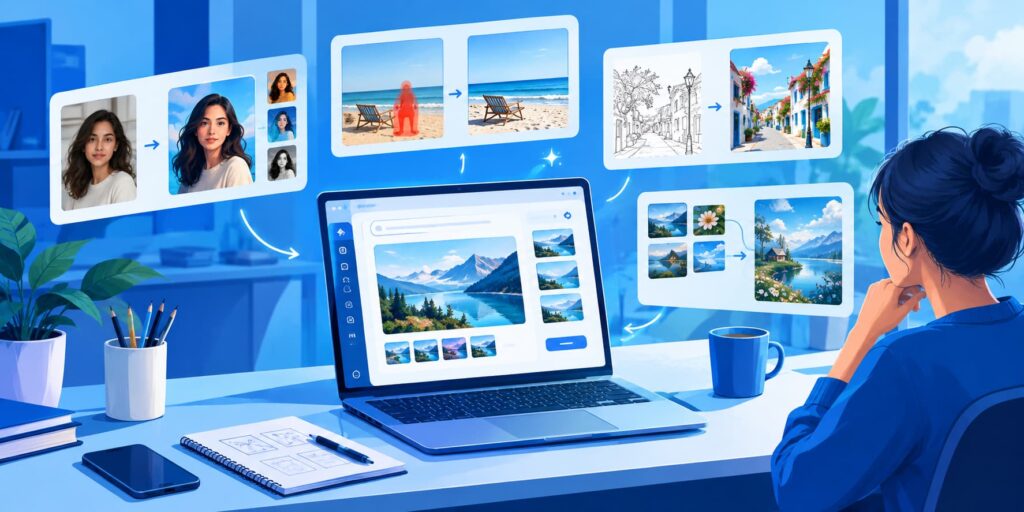
According to OpenAI’s announcement and launch coverage, version 2.5 adds:
- Sketch: type
@Sketch(or pick the canvas from the menu), draw a rough layout with a mouse, finger or stylus, and ChatGPT uses it as the composition for the final image. - Markup and Comment: the Edit toolbar lets you draw on the image, or tap one spot and describe a change to just that area.
- Guided templates: step-by-step templates for posters, merchandise, icons, logos and product shots.
- Remove BG: background removal that exports a transparent PNG.
- Speed: generation latency reported as up to 50% lower than Images 2.0, with better preservation of subjects from reference photos.
- Library: your generated images are collected in a Library in the sidebar.
Developers get the same model in the API as GPT Image 2.5, in two variants, Flare and Sunburst.
How to Access It
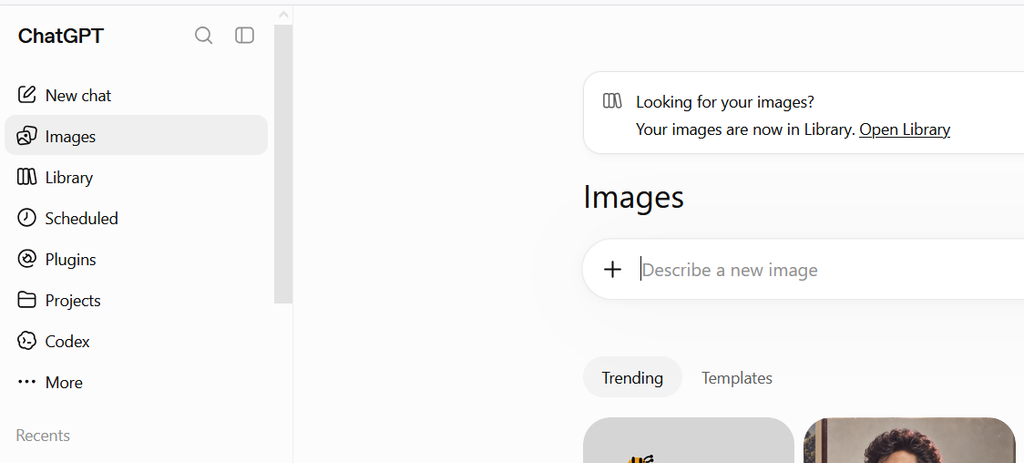
Open ChatGPT on the web, desktop or mobile and choose Images in the sidebar, or just ask for an image in any chat. OpenAI rolled 2.5 out to all ChatGPT tiers, including free accounts. Free use has tighter limits than paid plans, and OpenAI doesn’t publish fixed daily numbers, so you’ll see a message when you hit the cap.
Test 1: A Photorealistic Image From a Short Prompt
Prompt: “Create a photorealistic image of a chocolate chip cookie on a white plate, sitting on a table in a cozy bakery. Use warm natural lighting and a shallow depth of field.”
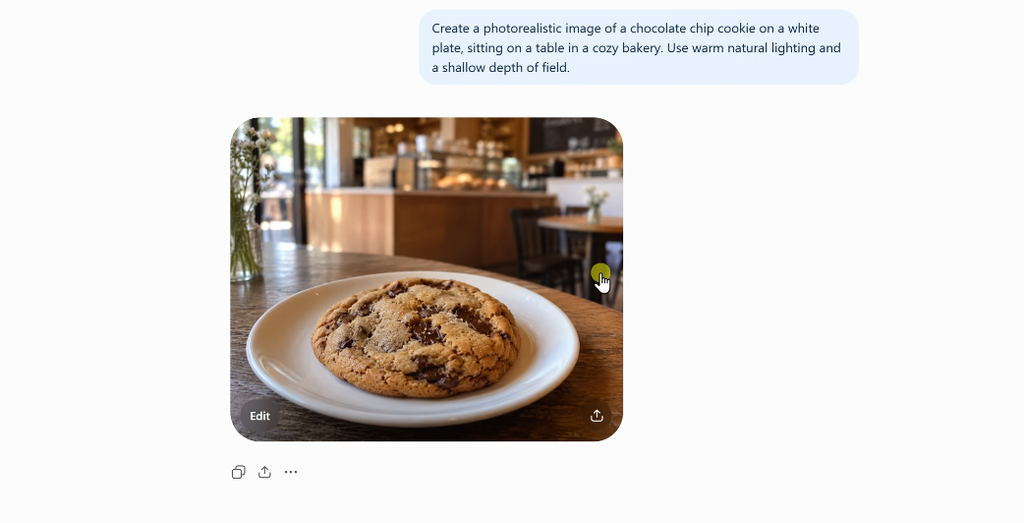
Result: a clean hit. White plate, wooden table, bakery counter blurred in the background, warm light and a shallow depth of field. Nothing missing and nothing added. Short, concrete prompts like this are where Images 2.5 is most reliable.
Test 2: Transforming a Photo Into a 1985 Snapshot
I uploaded my own full-length photo with a detailed prompt asking to keep my identity but restyle everything as a genuine mid-1980s desi (Indian) photograph, with a red-orange date stamp and no modern objects or text.
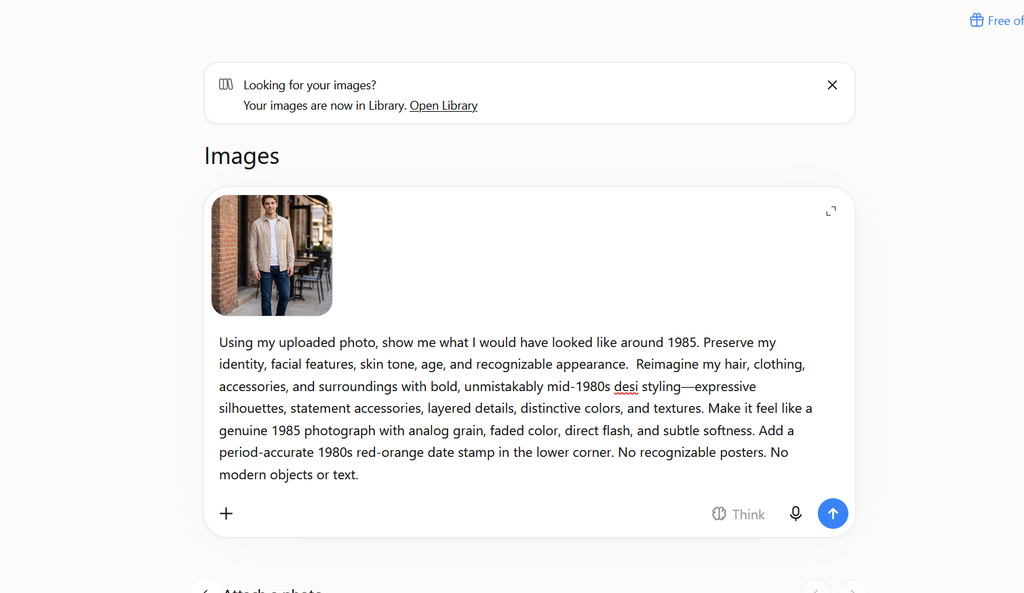
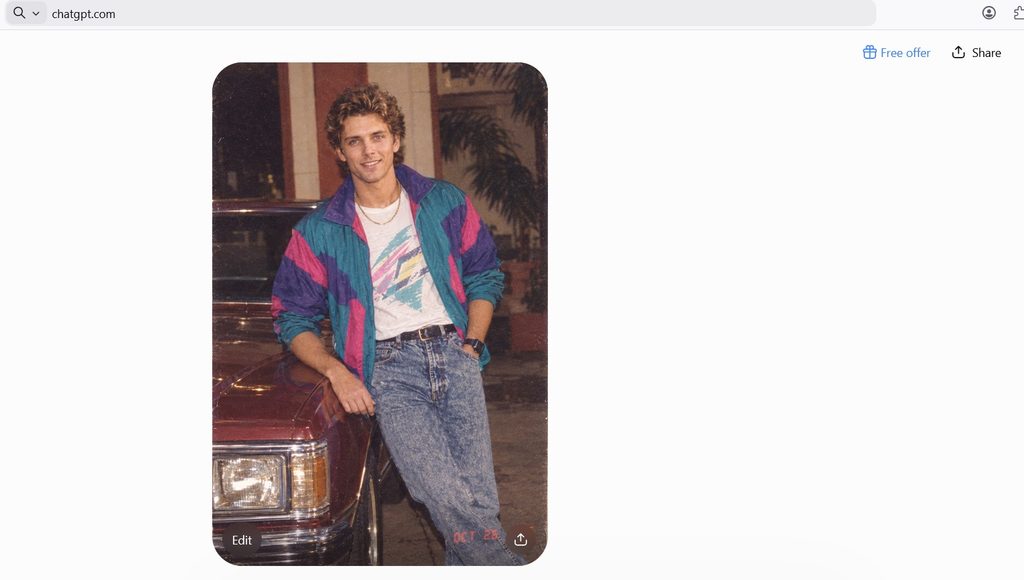
- What worked: it genuinely looks like a 1985 print: grain, direct flash, faded color, and the red-orange date stamp in the lower corner. No modern objects or text.
- What it missed: the prompt asked for desi styling, and it produced Western 1980s fashion instead (windbreaker, acid-wash jeans, a sedan). The face is similar to the original but not an exact match, despite the instruction to preserve identity.
Result: impressive, but check the brief. Long prompts with several requirements are where details get dropped. If one detail matters most, put it first, or ask for that change in a follow-up.
Editing: What We’ve Seen So Far
In our separate ChatGPT vs Gemini photo editing test, ChatGPT removed one object from a portrait and changed nothing else, while Gemini added a detail. In our image generation comparison, ChatGPT stayed literal but dropped “20%” from a poster headline. Tests of the new 2.5 editing tools (Sketch, Markup and Comment, Remove BG) are next on our list; until then, here are prompts to try them yourself:
Remove an object
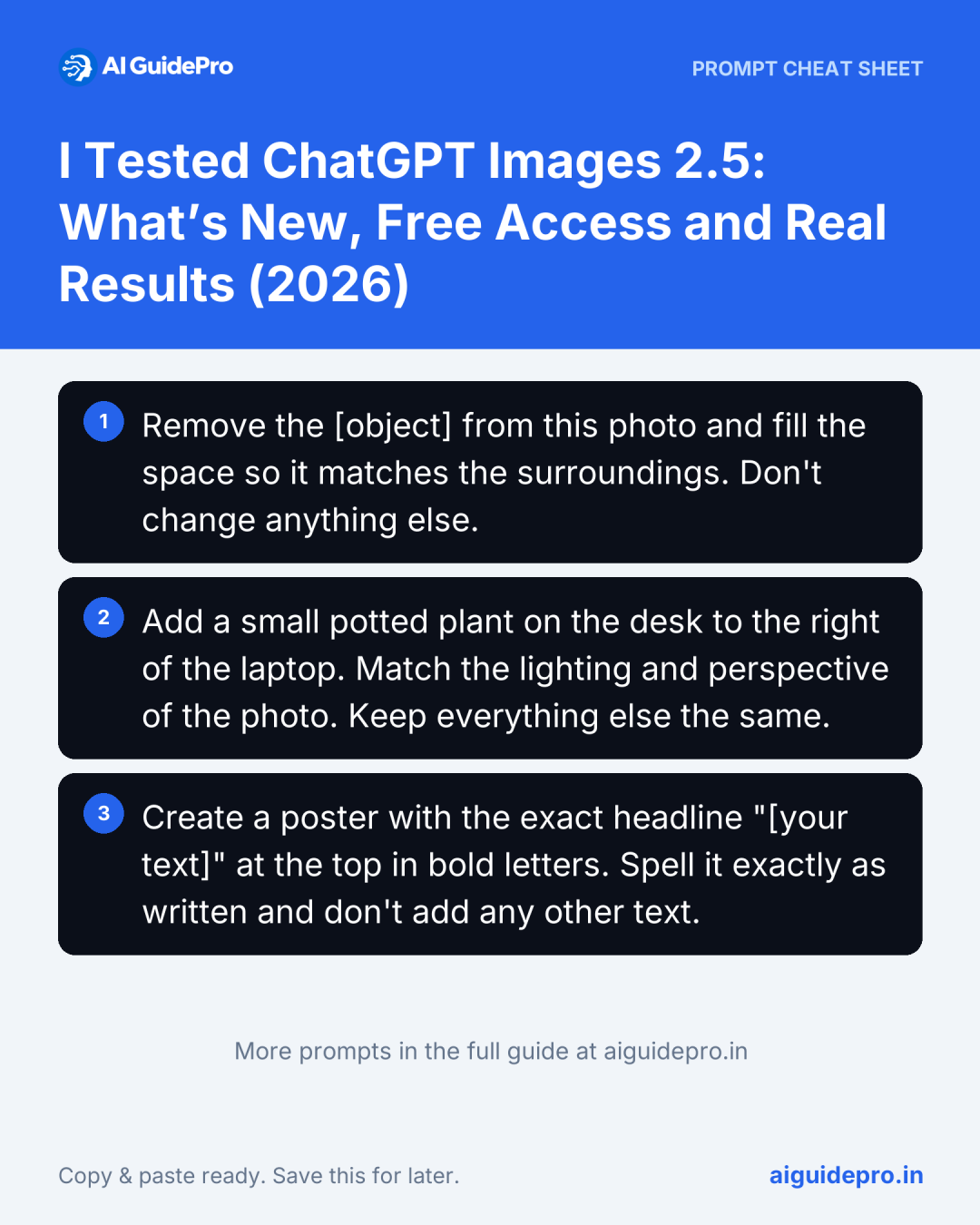
Remove the [object] from this photo and fill the space so it matches the surroundings. Don't change anything else.Add an object
Add a small potted plant on the desk to the right of the laptop. Match the lighting and perspective of the photo. Keep everything else the same.Text on a poster
Create a poster with the exact headline "[your text]" at the top in bold letters. Spell it exactly as written and don't add any other text.Whatever you try, compare the result with your original, check every word of any text, and ask for one change at a time. The free AI Image Prompt Generator helps you write detailed prompts.
Photos of Real People
- Get consent. Only upload and transform photos of people who have agreed to it, and never use edits to deceive or embarrass someone.
- Follow OpenAI’s rules. Its usage policies restrict deceptive or harmful images of real people.
- Check your privacy settings. In ChatGPT’s data controls you can choose whether your content is used to improve OpenAI’s models. Avoid uploading sensitive images either way.
Limitations
- Long briefs lose details. Our 1985 test dropped the most specific instruction.
- Faces can drift when a photo is heavily restyled.
- Text needs proofreading. Check spelling and numbers on every graphic.
- Free limits. Heavy use on a free account hits the cap quickly.
For a wider choice of editing apps, from Canva to Photoshop, see the best AI image editors in 2026.