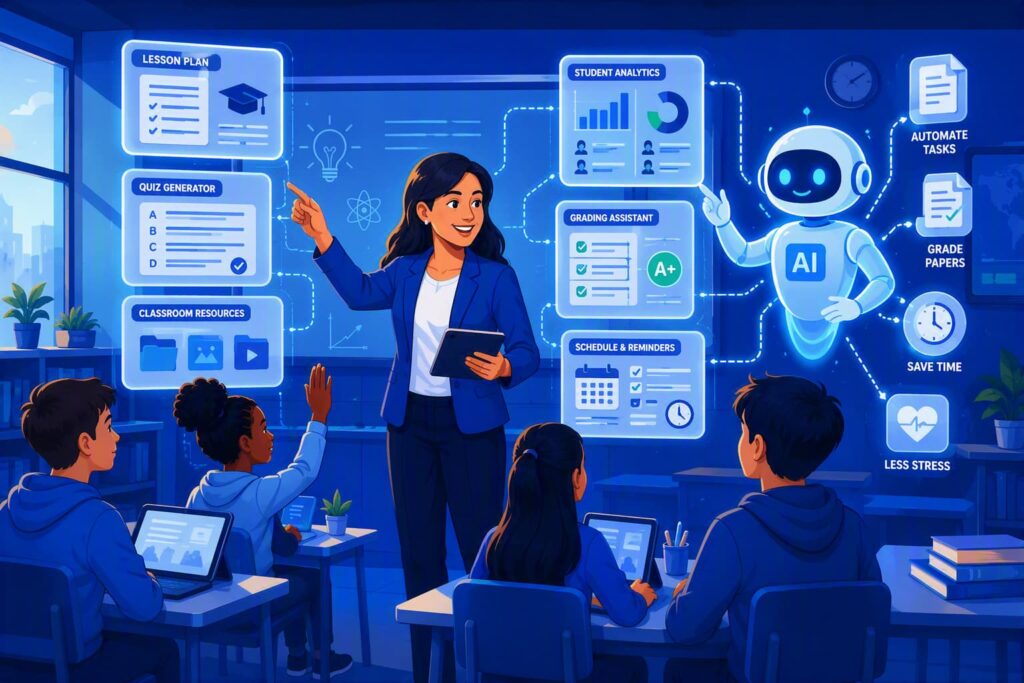
A teacher’s day doesn’t end at the bell. Lesson plans, quizzes, rubrics, parent emails and differentiated worksheets all happen in the evening. AI teacher assistants take on a share of that work. This guide reviews the six most widely used for K-12 classrooms: what each does, what it costs teachers, and where it falls short.
Teaching in India? See our 12 best free AI tools for teachers in India, which covers CBSE and Indian languages. For hands-on tests of Monsha, NotebookLM, Canva and Gamma, see Best AI Tools for Teachers: 5 Tested.
The 6 Tools at a Glance
| Tool | Best for | Free for teachers? | Works with |
|---|---|---|---|
| MagicSchool AI | Lesson plans, rubrics, IEP drafts | Yes, free plan; Plus $99.96/year | Schools on Enterprise: SIS/LMS |
| Khanmigo | Lesson planning and tutoring | Yes, for US K-12 teachers | Khan Academy |
| ChatGPT for Teachers | General planning and materials | Yes, for verified US K-12 teachers until June 2027 | School workspace |
| Google Gemini | Teachers on Google Workspace | Yes, with Workspace for Education | Google Docs, Classroom |
| Microsoft Copilot | Teachers on Microsoft 365 | Copilot Chat is included for education accounts | Word, Teams, OneNote |
| SchoolAI | Supervised AI for students | Limited free trial; school plans | Canvas, SIS rostering |
Availability and prices were checked on each tool’s website in October 2026.
What an AI Teacher Assistant Does
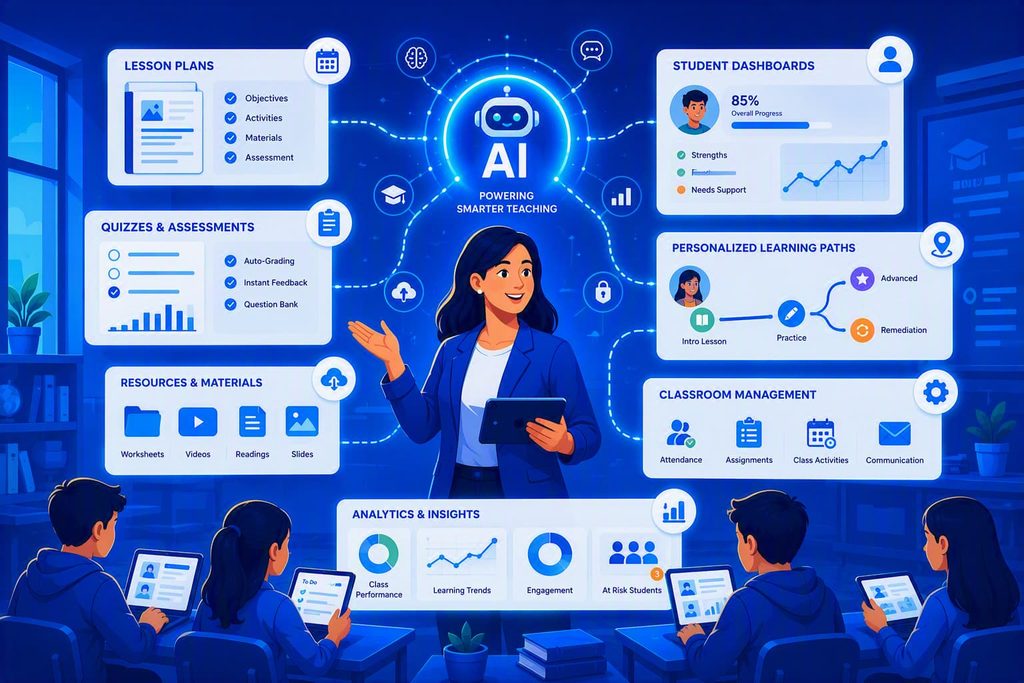
You describe what you need (“a 45-minute lesson on photosynthesis for 7th grade, with a hands-on activity and a 5-question exit ticket”) and it drafts it in seconds. The best uses are first drafts of lesson plans, quizzes, rubrics and parent emails, and reworking one text for different reading levels. You still check every line before it reaches a student.
The 6 Best AI Teacher Assistants
MagicSchool AI
MagicSchool is built only for teachers. Instead of a blank chat box, you pick from 80+ ready-made tools (lesson plan, rubric, IEP goal drafts, leveled text, report card comments) and fill in a short form. It also has a chatbot called Raina.
- Free or paid: Free “forever” plan for individual teachers. Plus is $8.33 a month billed annually ($99.96 a year) for unlimited generations and student-facing tools. Schools and districts get custom Enterprise pricing.
- Best for: K-12 teachers who want structured tools, not prompt writing.
- Limitation: the free plan has usage limits, and student-facing tools need Plus or a school plan. Outputs can be generic until you add your own context.
Try this:
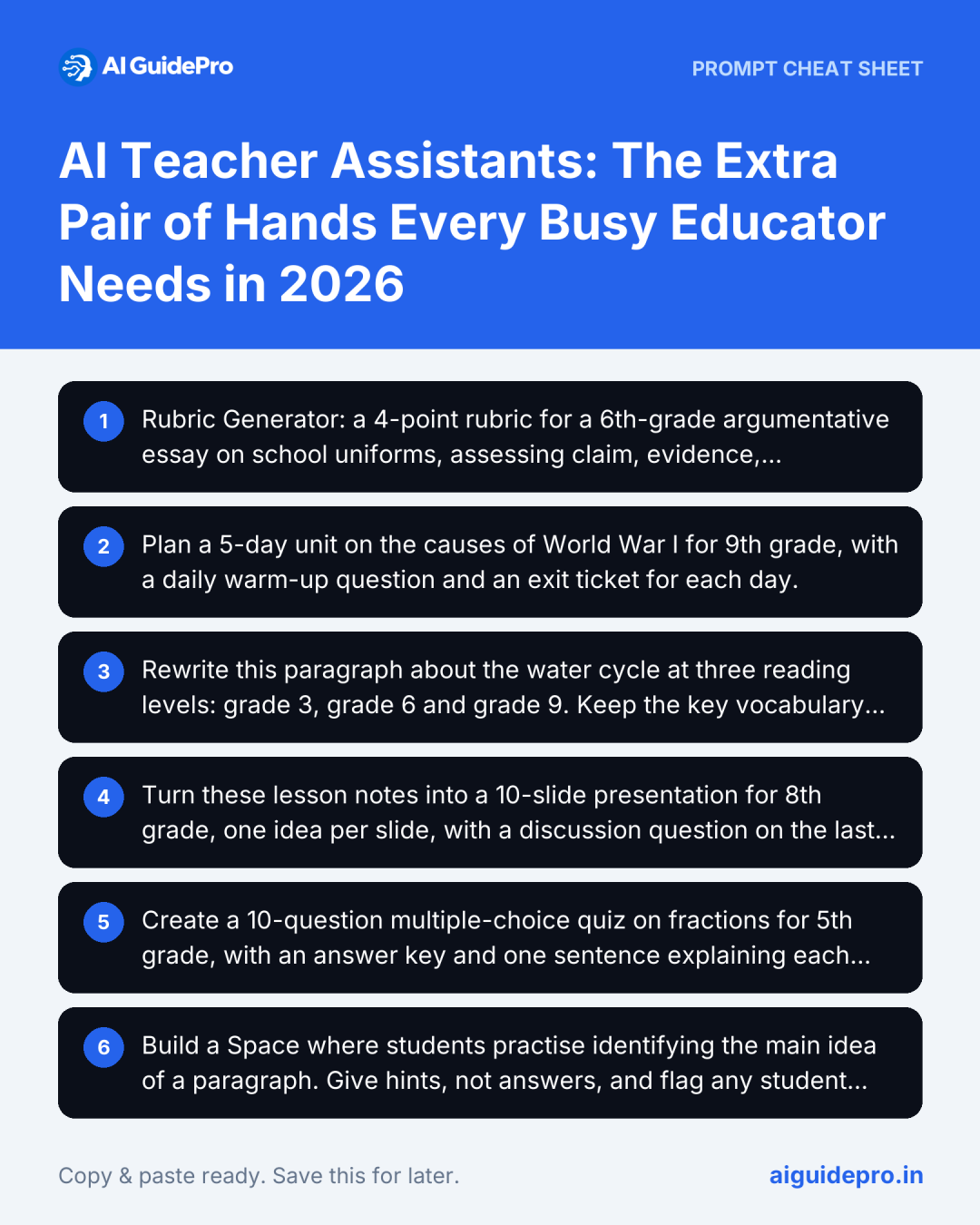
Rubric Generator: a 4-point rubric for a 6th-grade argumentative essay on school uniforms, assessing claim, evidence, reasoning and conventions.Khanmigo
Khanmigo is Khan Academy’s AI assistant. For teachers it drafts lesson plans, rubrics, exit tickets and class discussion questions, and it’s built around Khan Academy’s content library. For students, it tutors by asking questions instead of handing over answers.
- Free or paid: Free for US K-12 teachers since 2024, funded by a partnership with Microsoft. Students get Khanmigo through school or district programmes.
- Best for: US teachers who already use Khan Academy.
- Limitation: the free teacher version is US-only, and you can’t give students direct access yourself; that needs a school or district plan.
Try this:
Plan a 5-day unit on the causes of World War I for 9th grade, with a daily warm-up question and an exit ticket for each day.ChatGPT for Teachers
ChatGPT is the most flexible option: lesson ideas, explanations at different levels, worksheets, parent emails, anything you can describe. OpenAI’s education workspace for teachers adds admin controls and student-data safeguards that the personal version doesn’t have.
- Free or paid: ChatGPT for Teachers is free for verified US K-12 teachers until June 2027. Elsewhere, ChatGPT has a free plan and paid plans.
- Best for: teachers comfortable writing their own prompts.
- Limitation: it will state wrong facts confidently. Check content before it goes to students, and use the teacher workspace, not a personal account, for anything involving student work.
Try this:
Rewrite this paragraph about the water cycle at three reading levels: grade 3, grade 6 and grade 9. Keep the key vocabulary in bold. [paste paragraph]Google Gemini
Gemini works inside Google Docs, Slides and Gmail, so it suits schools that run on Google Workspace and Google Classroom. It can draft lesson materials, summarise readings and turn notes into slides.
- Free or paid: Free for Google Workspace for Education users. On school accounts, Google says your data isn’t used to train its models or reviewed by people. Paid Gemini Education add-ons unlock more features.
- Best for: teachers whose school uses Google Workspace for Education.
- Limitation: Google’s own pages say Gemini on school accounts is for users 18 and over, and features depend on what your school admin has switched on.
Try this:
Turn these lesson notes into a 10-slide presentation for 8th grade, one idea per slide, with a discussion question on the last slide. [paste notes]Microsoft Copilot
Copilot works inside Word, PowerPoint, Teams and OneNote. Microsoft’s education version adds Teach, a module that drafts standards-aligned lesson plans, quizzes and rubrics. Copilot only sees student data, such as grades or assignment results, when your school has connected it through Microsoft 365 Education and Teams. The general Copilot chat on the web has no access to your class records.
- Free or paid: Copilot Chat is included for education accounts; the full Microsoft 365 Copilot for education is a paid add-on bought by schools.
- Best for: teachers whose school runs on Microsoft 365.
- Limitation: features depend on which licence your school has. Check with your IT team before relying on it.
Try this:
Create a 10-question multiple-choice quiz on fractions for 5th grade, with an answer key and one sentence explaining each correct answer.SchoolAI
SchoolAI lets teachers build “Spaces”, AI-guided activities for students, and watch what each student is doing in real time through Mission Control. It’s designed for putting AI in front of students with teacher oversight, rather than for the teacher’s own planning.
- Free or paid: Limited free trial (5 Space launches a year). Pro and Scale plans for schools and districts include LMS integration, rostering and Canvas embedding.
- Best for: schools that want students to use AI under supervision.
- Limitation: the free trial is small, so a real rollout needs a school plan.
Try this:
Build a Space where students practise identifying the main idea of a paragraph. Give hints, not answers, and flag any student who gets three wrong in a row.To get a better first draft from any of these, the free Teacher Prompt Generator builds a detailed prompt for lesson plans, quizzes, rubrics and feedback. For ready-made prompts, see 20 ChatGPT prompts for lesson plans.
Keep Student Data Safe
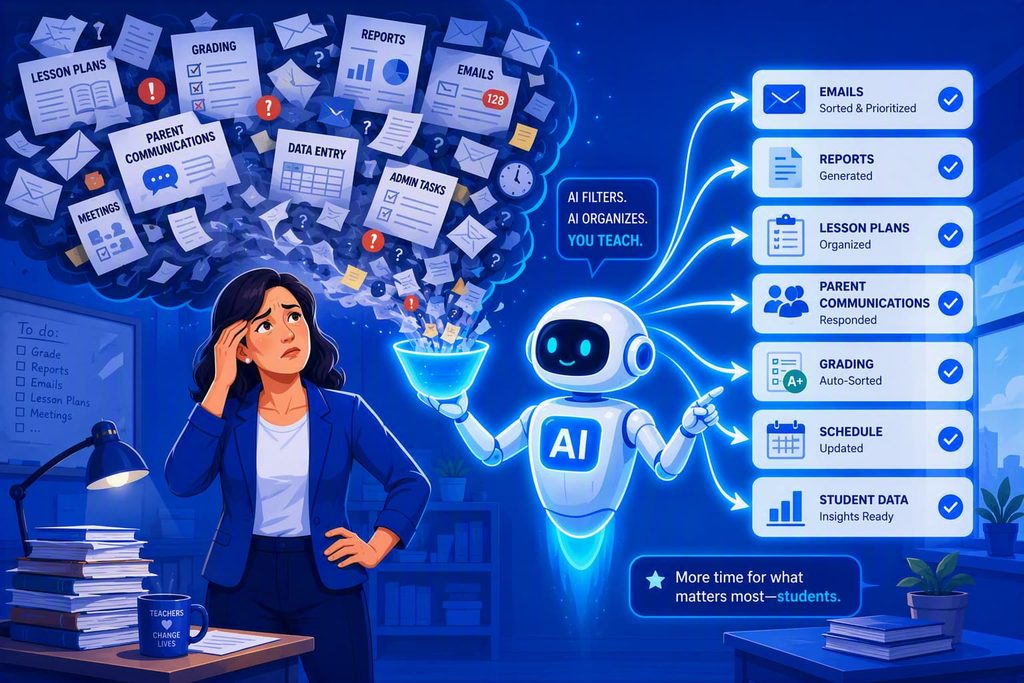
This is the part most AI guides skip, and the one your school will care about most. Student names, grades, behaviour notes and IEP details are protected: by FERPA and COPPA in the US, and by the DPDP Act in India.
- Use the school-approved version. MagicSchool, SchoolAI, ChatGPT for Teachers, and Gemini and Copilot on school accounts come with education data agreements. Personal accounts don’t.
- Never paste names or IEP details into a general chatbot. Describe the need instead: “a 7th grader reading at a 4th-grade level who needs extra time” works just as well.
- Check the privacy policy for FERPA and COPPA compliance, whether your data trains the model, and whether your district has signed a data agreement.
- Ask before giving students access. Many tools have age limits, and student use usually needs school approval.
How to Choose
- Privacy: is it approved by your school or district, and does it have an education data agreement?
- Price: is the free version enough for your weekly use, or will you hit limits by Wednesday?
- Grade level and subject: does it handle your grade band and standards?
- Fit with your systems: Google Classroom schools lean towards Gemini; Microsoft schools towards Copilot; Canvas schools should check SchoolAI or MagicSchool integrations.
- Accuracy: run one lesson you know well through it and see what it gets wrong.
- Who uses it: tools for you (MagicSchool, ChatGPT, Gemini, Copilot) are different from tools for students (Khanmigo for students, SchoolAI).
Limitations to Keep in Mind
- It makes mistakes. Facts, maths steps and citations can be wrong. Review everything before students see it.
- It doesn’t know your students. It can draft differentiated work, but only you know who needs what.
- It can’t read the room. Behaviour, mood and confidence are still your call.
Used well, an AI assistant handles the first draft so your evenings go to the parts of teaching only you can do. The Teaching Starter Kit collects our free tools for teachers in one place.