“Free” means very different things across AI video tools. Some give you credits every day, some give a one-off allowance, and some advertise a free plan that includes no credits at all. Below are the six that genuinely let you make video without paying, with the real limits: credits, clip length, watermarks and whether you can use the result commercially.
Free plans were checked on each tool’s website in October 2026. They change often, so check the plan page before you rely on a limit.
The 6 Free Options at a Glance
| Tool | Type | What’s free | Watermark / commercial use on free plan |
|---|---|---|---|
| Kling | Text- and image-to-video | Free credits that refresh (amount varies) | Watermark; not for commercial use |
| Hailuo (MiniMax) | Text- and image-to-video | Free credits (amount shown in the app) | 720p, watermark; not for commercial use |
| Hugging Face Spaces | Open models (LTX-2.5, Wan 2.1) | 5 GPU-minutes a day with a free account | No watermark; depends on the model’s licence |
| Meta AI (Vibes) | Text-to-video, remix | Free in the Meta AI app | Check Meta’s terms before commercial use |
| AI Studios | AI avatar presenter videos | 3 videos a month, up to 1 minute, 720p | Commercial use listed on the free plan |
| Runway | Text- and image-to-video | 125 credits, one time only | Watermark removal starts on the paid Standard plan |
What These Tools Actually Make
Most free AI video generators make short clips, usually 5 to 10 seconds, from a text prompt or a still image. They’re good for B-roll, social posts, animated product shots and visual ideas. They don’t produce a finished, edited video with narration; you stitch clips together in an editor. Avatar tools such as AI Studios are different: they make a presenter read your script on camera.
The 6 Best Free AI Video Generators
Kling
Kling, from Kuaishou, is one of the most capable generators with a recurring free allowance. It does text-to-video and image-to-video, and handles realistic motion well.
- What’s free: Free credits that refresh. Third-party guides report about 66 credits a day, but Kling’s own terms vary and promotions change the amount, so check your balance in the app.
- Watermark and commercial use: every free export carries a Kling watermark, and free-plan videos aren’t cleared for commercial use. You need a paid plan for both.
- Best for: trying realistic text-to-video without paying.
- Limitation: free users go to the back of the queue, so expect waits at busy times.
Hailuo
Hailuo is MiniMax’s video generator. It’s known for good prompt-following and lively motion in short clips, from text or from an image.
- What’s free: free credits, with the current amount shown in the app. Reports range from a few generations a day to a one-time starter grant.
- Watermark and commercial use: free output is 720p with a watermark and is for non-commercial use. Paid plans remove the watermark and unlock 1080p.
- Best for: animating a still image or testing prompt ideas.
- Limitation: the free allowance changes often, so don’t plan a project around it.
Hugging Face Spaces (LTX-2.5 and Wan)
Hugging Face hosts free demos of open video models. The most current is Lightricks’ LTX-2.5, updated October 2026. Alibaba’s Wan 2.1 demo is older but still running. You type a prompt in the browser; no installation needed.
- What’s free: these demos run on ZeroGPU with daily quotas: 2 minutes of GPU time without an account, 5 minutes with a free account, and 40 with PRO, according to Hugging Face’s documentation. A single video can use most of a free day’s quota.
- Watermark and commercial use: no watermark. Commercial use depends on each model’s licence, which is linked on its model page.
- Best for: tinkerers who want the latest open models and no watermark.
- Limitation: demos sometimes break or queue for a long time, and quality varies between models.
Meta AI (Vibes)
Vibes is Meta’s AI video feature, in the Meta AI app and on meta.ai. You can create a short clip from a prompt or remix someone else’s, add music, and share it to Instagram.
- What’s free: free at the time of checking. Meta has said it plans to add a paid subscription for extra features.
- Watermark and commercial use: Meta hasn’t published clear free-plan terms for commercial use; treat clips as personal until it does.
- Best for: quick, fun social clips if you already use Instagram or Facebook.
- Limitation: availability varies by country, and clips are designed for the Vibes feed, not professional work.
AI Studios
AI Studios, from DeepBrain AI, makes a different kind of video: an AI presenter reads your script on camera. It’s used for training videos, explainers and announcements rather than cinematic clips.
- What’s free: up to 3 videos a month, each up to 1 minute, exported at 720p, plus 16 one-time generative credits. The free plan includes 40+ stock avatars; the full library of 2,000+ is on paid plans.
- Watermark and commercial use: its pricing page lists commercial use rights on the free plan.
- Best for: talking-head explainers when you don’t want to be on camera yourself.
- Limitation: one-minute videos at 720p are fine for testing, but most real projects need the $24-a-month Personal plan.
Runway
Runway is a professional AI video suite with strong text-to-video, image-to-video and editing tools. The free plan is a trial, not an ongoing allowance.
- What’s free: 125 credits, one time only, on a selection of its models.
- Watermark and commercial use: watermark-free exports start on the Standard plan ($12 a month billed annually); check Runway’s terms for commercial use.
- Best for: testing a professional tool before you decide whether to pay.
- Limitation: once the 125 credits are gone, there’s no free refill.
What About Veo, Pika and Luma?
They’re often listed as free, but their free offer is thin as of October 2026:
- Google Veo (in Gemini): regular access comes with a paid Google AI plan; free Gemini users have had access only during short promotions. Google doesn’t publish the daily limits.
- Pika: the free plan includes 0 monthly credits. You buy credit packs, and the free plan has no commercial licence.
- Luma Dream Machine: no free plan. The cheapest is Plus at $30 a month ($25 billed yearly).
How to Choose
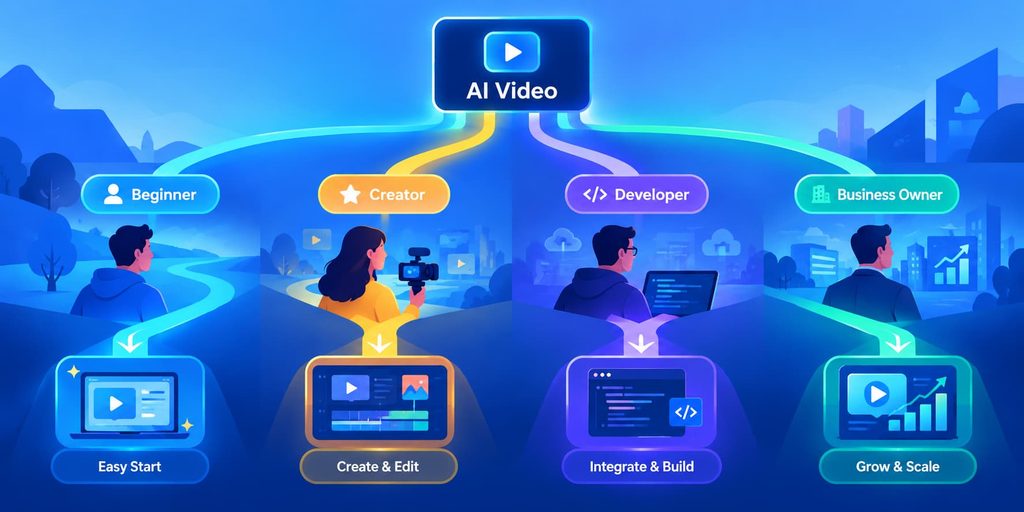
- Just want to try AI video: Kling or Hailuo. Both have recurring free credits.
- Need no watermark: Hugging Face Spaces, within the daily GPU quota.
- Need a presenter reading a script: AI Studios.
- Need it for client or commercial work: no free plan here is a safe bet except AI Studios. Budget for a paid plan.
- Want to test a professional tool once: Runway’s 125 credits.
Getting Better Results From Free Credits
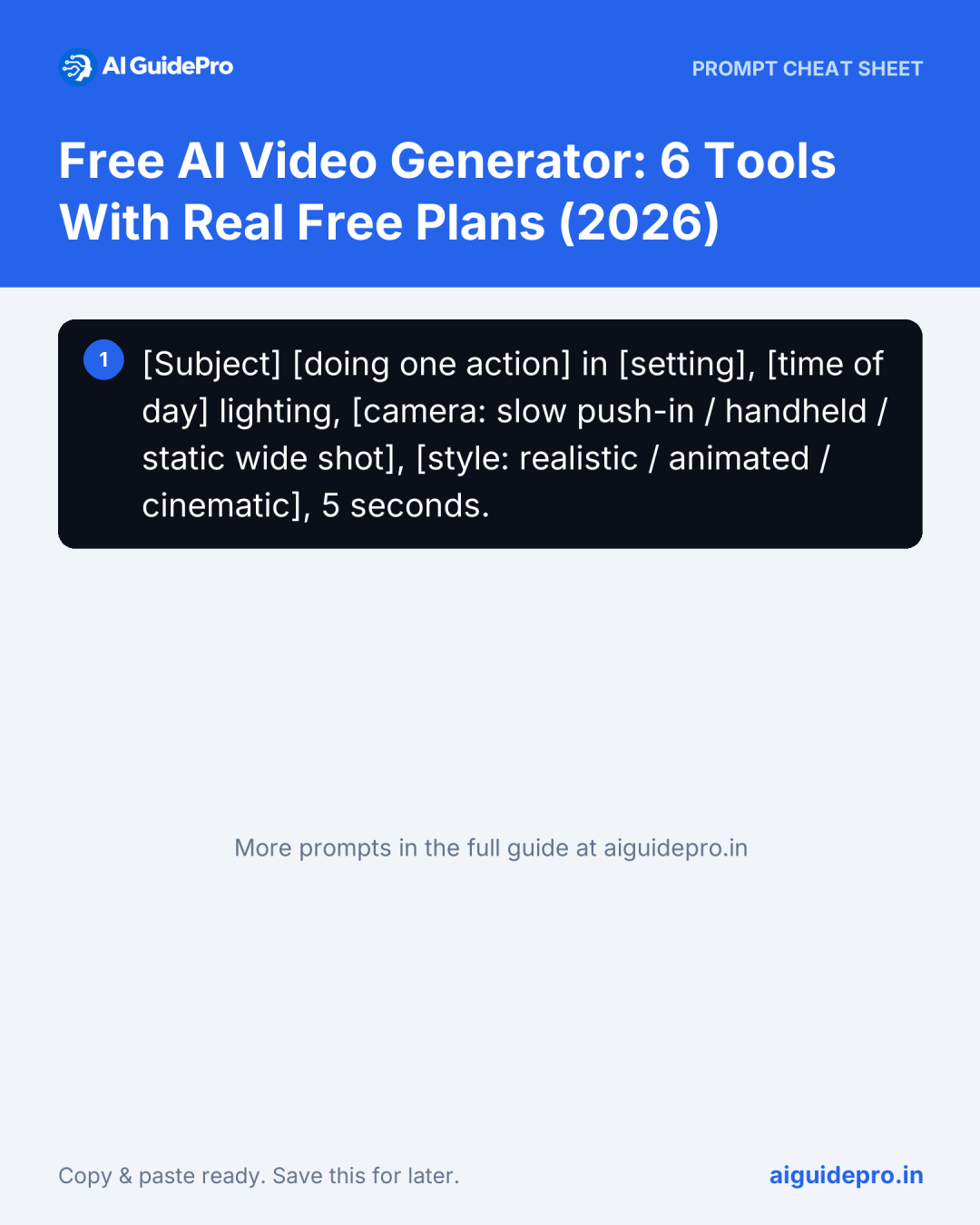
Free credits run out fast, so make each generation count. Describe one shot, not a story. Say who or what is in it, what moves, the camera angle and the lighting. A prompt that works in most tools:
[Subject] [doing one action] in [setting], [time of day] lighting, [camera: slow push-in / handheld / static wide shot], [style: realistic / animated / cinematic], 5 seconds.- Start from an image. Image-to-video gives you more control than text alone. Make the still first, for example with ChatGPT or Gemini (here’s how the two compare for images), then animate it.
- Plan the video before you generate. Write the script and shot list first, then generate only the clips you need. Our guide to AI script writing for TikTok and Shorts covers the script, and the storyboard mode of our Video Script Prompt Generator turns it into a shot list.
- Download right away. Free plans can delete old generations or change terms.
- Check the licence before you post commercially. A watermark is easy to spot; a non-commercial licence isn’t.
For writing the voiceover or captions, see the best AI writing assistants, and the AI Image Prompt Generator helps with the still image you animate.