
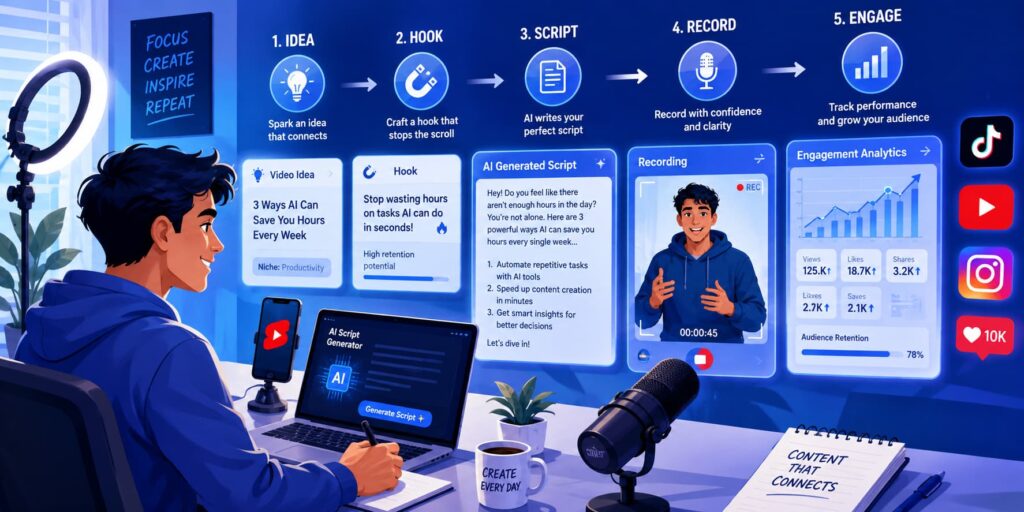
AI can turn a video idea into a ready-to-record TikTok or YouTube Shorts script in under a minute, if you give it the right prompt. Below you’ll find the prompt to start with, 10 prompts sorted by niche, the length that suits each platform, and a full 60-second example script with timestamps.
Quick Start: Copy This Prompt
Paste this into ChatGPT, Claude or Gemini and fill in the brackets:
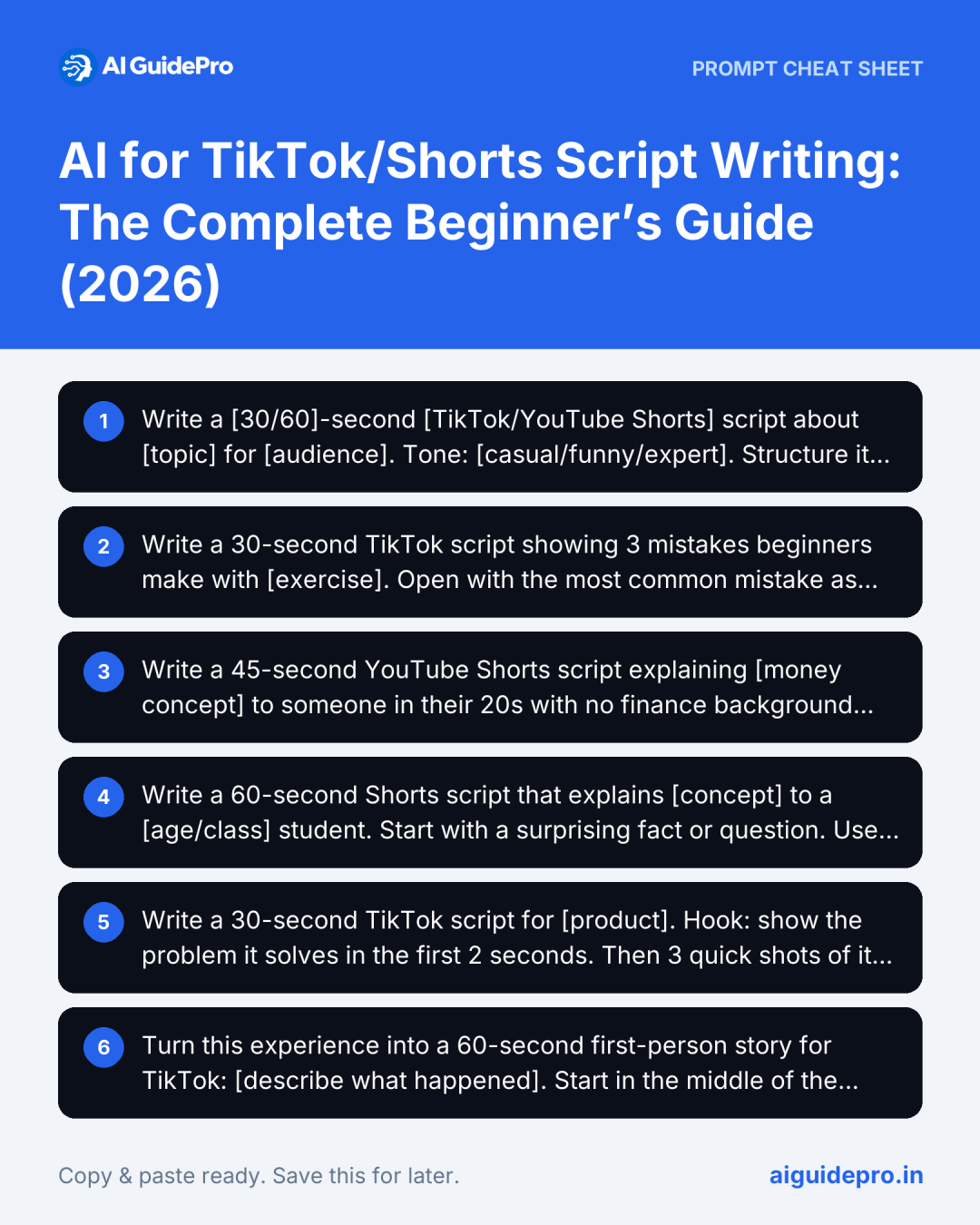
Write a [30/60]-second [TikTok/YouTube Shorts] script about [topic] for [audience]. Tone: [casual/funny/expert]. Structure it as Hook (first 3 seconds), Problem, Solution, Result, Call to action. Format it as a table with columns: Time, Voiceover, On-screen text, Visual. Keep the voiceover under [75/150] words. Give me 3 alternative hooks at the end. Avoid clichés like "game-changer" and "in today's world".Prefer filling in a form? The free Video Script Prompt Generator builds this prompt for you, with TikTok, Shorts and hook-only modes.
10 Copy-Paste Prompts by Niche
Each prompt already includes the length, the structure and the format, so the first draft comes back close to usable.
1. Fitness
Write a 30-second TikTok script showing 3 mistakes beginners make with [exercise]. Open with the most common mistake as the hook. For each mistake: what it looks like, why it's a problem, the fix in one sentence. End with "Save this for your next workout." Add on-screen text for each mistake.2. Personal finance
Write a 45-second YouTube Shorts script explaining [money concept] to someone in their 20s with no finance background. Use one everyday example with simple numbers. No jargon; if you must use a term, define it in under 10 words. End with a question viewers can answer in the comments. Do not give personalised financial advice.3. Education / explainer
Write a 60-second Shorts script that explains [concept] to a [age/class] student. Start with a surprising fact or question. Use one analogy, then one real example. Finish with a one-line summary the viewer could repeat to a friend. Mark where a diagram or on-screen text should appear.4. Product demo
Write a 30-second TikTok script for [product]. Hook: show the problem it solves in the first 2 seconds. Then 3 quick shots of it in use, one benefit per shot. No hard sell; end with "Link in bio if you want one." Include a shot list. Product details: [paste features and price].5. Storytelling
Turn this experience into a 60-second first-person story for TikTok: [describe what happened]. Start in the middle of the action, not with background. Build to one turning point and end with the lesson in one sentence. Keep my wording where possible; only tighten it.6. Recipe / cooking
Write a 45-second Shorts script for [dish]. Show the finished dish in the first 2 seconds. Then the steps as quick cuts, with on-screen text for each ingredient and quantity. Voiceover under 100 words. End with one tip that most recipes skip.7. Tech or app tip
Write a 30-second screen-recording script showing how to [task] in [app]. Hook with the time it saves. List every tap or click as a numbered on-screen step. Voiceover in plain language, under 70 words.8. Local business
Write a 30-second behind-the-scenes TikTok script for [business type] in [city]. Show one thing customers never see. Friendly, unscripted tone, as if the owner is talking to camera. End with the address or booking link as on-screen text only.9. Hooks only
Give me 10 opening lines for a short video about [topic]. Each under 12 words. Mix these types: a question, a bold claim, a mistake, a number, a "before/after". No clickbait that the video can't deliver.10. Make it sound like you
Here are 3 scripts I've written myself: [paste]. Describe my style in 5 bullet points (sentence length, words I use, humour, how I open and close). Then rewrite this AI draft in that style: [paste draft].How Long Should Your Script Be?
Most people speak about 2.5 words per second on camera, so a word limit is the easiest way to get the length right.
| Length | Voiceover | Works best for |
|---|---|---|
| 15 seconds | About 35 words | One tip, a reaction, a before/after |
| 30 seconds | About 75 words | A quick how-to, a product demo, a list of 3 |
| 60 seconds | About 150 words | An explainer, a short story, a step-by-step tutorial |
| 90 seconds and up | About 225+ words | A story with a twist, a detailed tutorial; needs a strong reason to stay |
Limits are no longer 60 seconds. YouTube Shorts can be up to 3 minutes, and TikTok lets you record up to 10 minutes in the app and upload longer videos on many accounts (check TikTok’s help centre for your account). Longer is allowed, but it isn’t automatically better: write only as long as the idea needs.
The Script Template, With a Full 60-Second Example
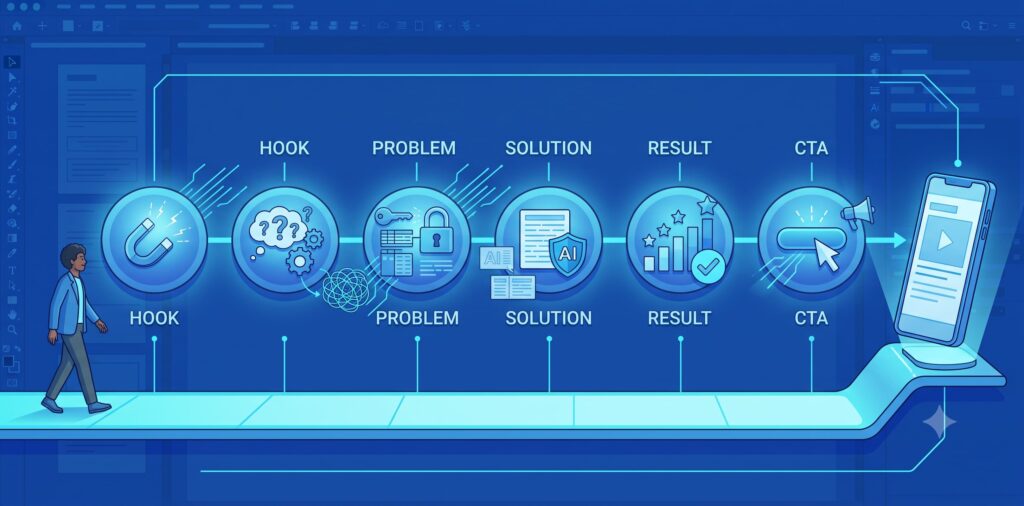
Almost every short that holds attention follows the same five beats. The timings below are for a 60-second video; halve them for 30 seconds.
- Hook (0–3s): the reason to keep watching. A question, a bold claim, or the result first.
- Problem (3–12s): the situation the viewer recognises.
- Solution (12–45s): the steps, tips or story. One idea per video.
- Result (45–55s): what changes when they do it.
- Call to action (55–60s): one clear next step: follow, save, comment or click.
Here’s that template filled in for a 60-second Short, about 150 words of voiceover:
| Time | Voiceover | On-screen text | Visual |
|---|---|---|---|
| 0–3s | “You’re studying for hours and forgetting it by Friday. Three prompts fix that.” | Stop re-reading your notes | Close-up of a highlighted textbook, quick zoom |
| 3–12s | “Re-reading feels productive, but your brain only remembers what it has to pull back out. So make AI quiz you.” | Re-reading ≠ remembering | You at a desk, flipping pages, looking tired |
| 12–24s | “Prompt one: paste your notes and say, ‘Ask me 10 questions on this, one at a time, and wait for my answer.'” | Prompt 1: Quiz me | Screen recording of the prompt being typed |
| 24–36s | “Prompt two: ‘Explain the hardest part like I’m 12, then give me an example.’ Now you actually get it.” | Prompt 2: Explain it simply | Screen recording, highlight the example |
| 36–46s | “Prompt three, the night before the test: ‘Make a one-page summary of only what I got wrong.'” | Prompt 3: Fix my gaps | Summary appearing on screen |
| 46–55s | “That’s less time studying, and you walk in knowing exactly what you’re weak on.” | Less time. Fewer surprises. | You closing the laptop, relieved |
| 55–60s | “Save this before your next exam, and follow for more study prompts.” | Save for exam week | Point to the save button |
Read the script out loud with a timer before you film. If you run over, cut words from the Problem section first; the hook and the steps are what people stay for.
How to Write Better Prompts
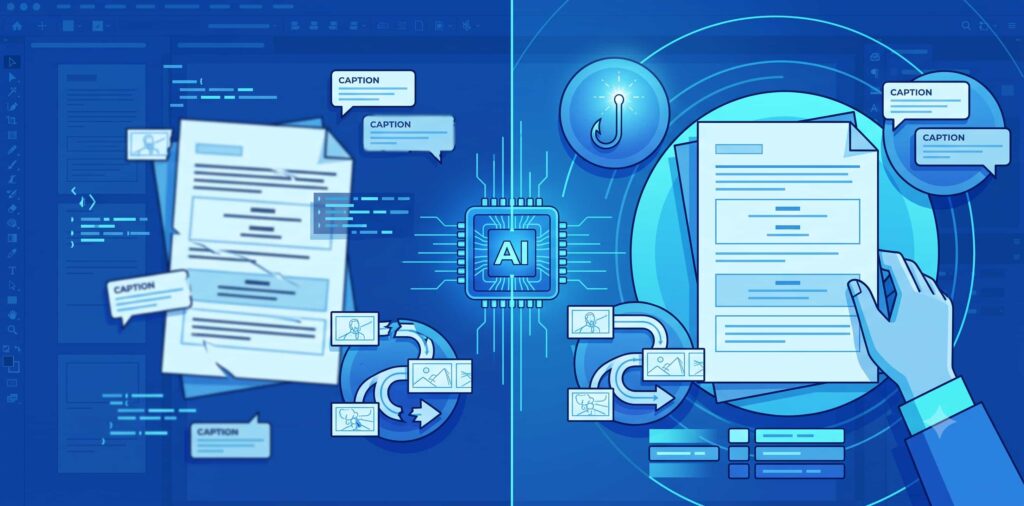
Every prompt above uses the same formula:
Platform + Length + Topic + Audience + Tone + Format + What to avoid
“Write a TikTok script about productivity” leaves almost all of those blank, so the AI fills them with the most generic choices. When the first draft isn’t right, don’t start again. Ask for one change at a time:
- “Give me 5 more hooks, each under 10 words.”
- “Cut this to 75 words without losing the 3 steps.”
- “Make it sound like I’m talking to a friend, not presenting.”
- “Add a visual note for every line.”
- “Remove anything I’d need to fact-check, or mark it.”
Splitting the job also helps: ask for 10 ideas first, pick one, then ask for hooks, then the full script.
Which AI Tools to Use for Short-Form Scripts
You don’t need a dedicated “script writer” app. The general AI assistants do this well, and the platforms now have their own idea tools too.
| Tool | Price | Use it for | One tip |
|---|---|---|---|
| ChatGPT | Free; paid plans | Fast drafts, many hook variations | Save your channel’s niche, audience and tone in a Project so you don’t repeat them every time. |
| Claude | Free; paid plans | Natural-sounding voiceovers, rewriting in your style | Paste 3 of your best scripts and use prompt 10 above. |
| Gemini | Free; paid plans | Research for explainers, checking facts | Ask it to list its sources for every fact, then open them before you film. |
| YouTube Studio: Ask Studio | Free | Ideas based on your own channel’s audience | YouTube is retiring the Inspiration tab from August 2026; use Ask Studio for ideas instead. |
| TikTok Symphony Creative Studio | Through TikTok’s business tools | Brands and product videos | It’s built for ads and branded content, so it suits business accounts more than personal creators. |
| Video Script Prompt Generator | Free | Building a detailed prompt from a form | Switch to Hook mode when you only need openings. |
For a wider comparison of writing tools, see the best AI writing assistants I tested. Once the script is ready, these free AI video generators can help with B-roll, and the storyboard mode turns your script into a shot list.
Mistakes to Avoid, and a Final Check
- Posting the first draft. AI drafts are generic by default. Add one detail only you would know.
- Teaching three things in one video. One idea per short; save the rest for the next one.
- A slow hook. If the first sentence is background (“So, today I want to talk about…”), cut it.
- Unchecked facts. AI states wrong numbers confidently. Verify every statistic, price and date.
- A wall of on-screen text. Keep captions to a few words per beat; the voiceover carries the detail.
- Robotic phrasing. Read it aloud. If you wouldn’t say it to a friend, rewrite it.
Before you hit record, check that you have a hook in the first 3 seconds, one main idea, a visual change every few seconds, captions for viewers with the sound off, and a single clear call to action.
The rule that sums it up: AI writes the draft; you make it sound like you. Start with the quick-start prompt, swap in a niche prompt when you need one, and use the 60-second example as your model for timing.


[…] further with AI video? See our beginner’s guide to AI script writing for TikTok and Shorts and our pick of free AI video […]