
AI is genuinely useful for students when it does the organizing and you do the thinking. This guide covers four jobs where that works well: summarizing a reading, making revision questions, outlining an essay and, for job seekers, fixing resume bullets. Each comes with a prompt to copy and a worked example showing what AI gets wrong and how to correct it.

First: Know Your School’s AI Rules
Before you use AI on anything that gets marked, check the rules. They differ between schools, universities and even individual teachers.
- Read your school or university AI policy, and the instructions for each assignment. “Allowed for brainstorming” and “allowed for writing” are very different.
- Don’t submit AI-written text as your own. Most institutions treat it as plagiarism or academic misconduct. AI detectors such as Turnitin’s are used by many schools; they’re known to give false positives, but you don’t want to be the test case.
- Cite AI if your teacher requires it. APA and MLA both publish guidance on how to cite tools like ChatGPT.
- Don’t upload exam papers, answer keys or other students’ work. It may break exam rules, and you lose control of where that content goes.
Everything below uses AI to help you understand, plan and revise. The words you hand in stay yours.
Summarize a Reading, Then Check It
A long reading is the best place to start: AI turns 20 pages into a page of notes. The catch is that summaries often simplify in ways that are wrong. Use this prompt with the text pasted in, not just the title:
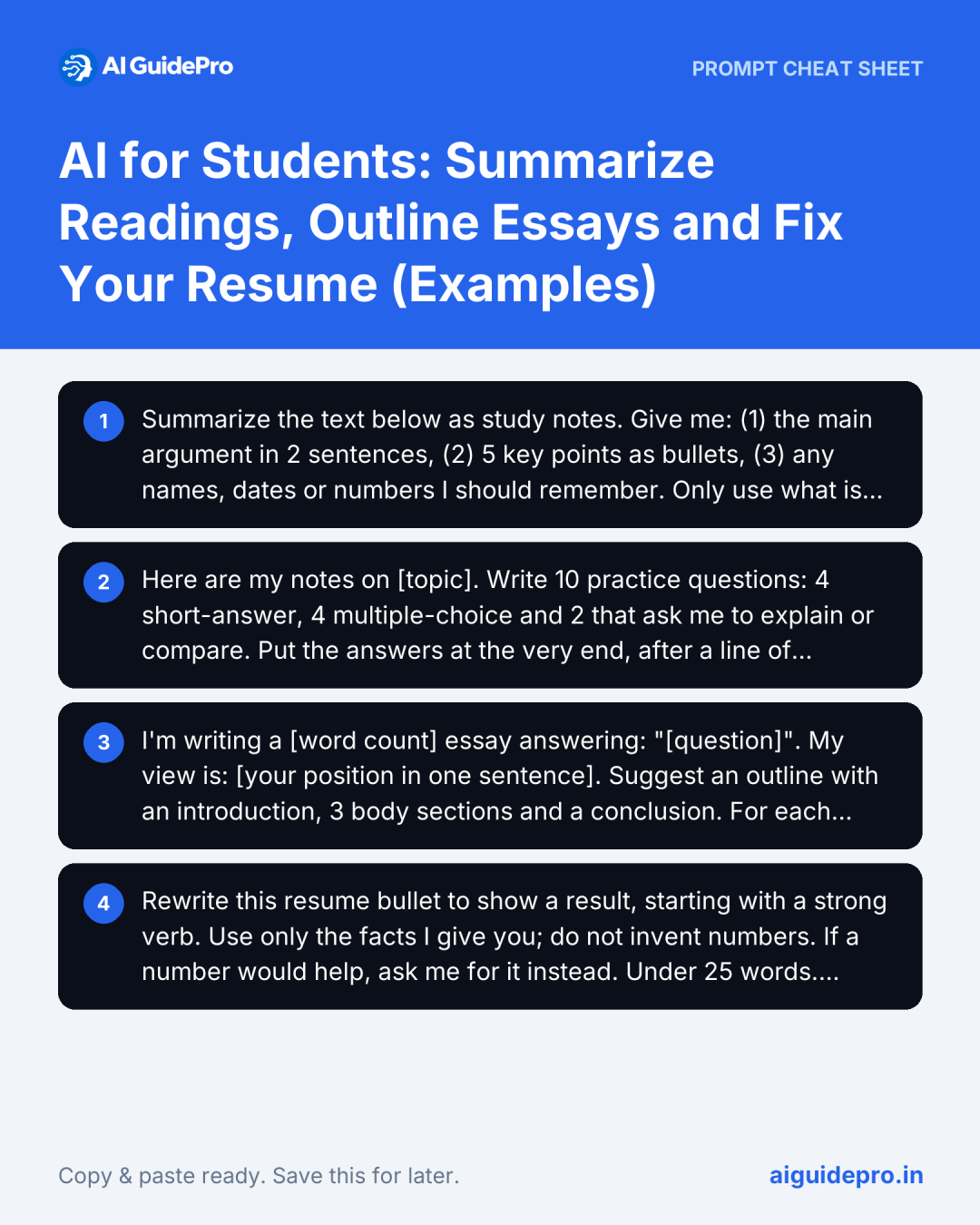
Summarize the text below as study notes. Give me: (1) the main argument in 2 sentences, (2) 5 key points as bullets, (3) any names, dates or numbers I should remember. Only use what is in the text; if something is unclear, say so instead of guessing. Text: [paste]Source text (from a history reading): “Around 1440, Johannes Gutenberg developed a printing press with movable metal type in Mainz. Movable type itself was older: it was used in China from the 11th century, and Korean printers produced books with metal type in the 14th century. Gutenberg’s contribution was a system that made printing fast and cheap enough to spread across Europe.”
A typical AI summary: “Johannes Gutenberg invented printing in 1440, which spread books across Europe.”
Your corrected note: “Gutenberg (Mainz, c. 1440) built a movable metal type press. He didn’t invent printing or movable type; China (11th c.) and Korea (14th c., metal type) came first. His system made printing fast and cheap, so it spread across Europe.”
The AI summary turned “developed a system” into “invented printing”, which is exactly the kind of answer that loses marks. Checking the summary against the source is the part that makes you learn it. The Rewrite Prompt Generator (Summarize mode) builds summary prompts like this one.
Turn Notes Into Revision Questions
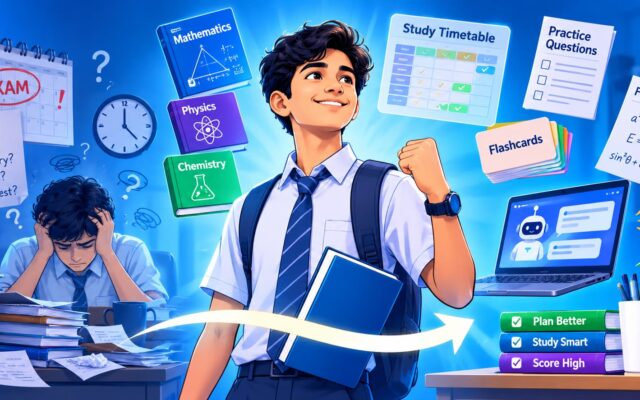
Re-reading notes feels productive, but testing yourself is what makes things stick. AI is good at turning your notes into practice questions. This works the same for a university module, an NCERT chapter or board exam revision.
Here are my notes on [topic]. Write 10 practice questions: 4 short-answer, 4 multiple-choice and 2 that ask me to explain or compare. Put the answers at the very end, after a line of dashes, so I can test myself first. Only use what is in my notes. Notes: [paste]Answer the questions without looking, then check. If a question uses something that isn’t in your notes, the AI has added it; look it up in your textbook rather than trusting the answer key. The Student Prompt Generator has Study guide and Practice questions modes for this.
Outline an Essay Without Letting AI Write It
A blank page is the hardest part of an essay. An AI outline gets you started, but a generic outline produces a generic essay. Use it as scaffolding, then put your own argument and evidence in.
I'm writing a [word count] essay answering: "[question]". My view is: [your position in one sentence]. Suggest an outline with an introduction, 3 body sections and a conclusion. For each body section, give the point it should make and the kind of evidence that would support it. Don't write any of the essay itself.| A typical AI outline | Your outline after adding your own points |
|---|---|
| Intro: phones are a growing issue in schools | Intro: our school’s phone-in-locker rule this year, and my claim that it helped focus but hurt group research |
| Body 1: phones distract students | Body 1: distraction, with the study our teacher shared in class (cite it) |
| Body 2: phones can help learning | Body 2: our biology group couldn’t look up sources during practicals |
| Body 3: a balanced approach | Body 3: my proposal of phones allowed only for set research tasks, and how teachers could check |
| Conclusion: both sides have merit | Conclusion: a ban is too blunt; rules by task work better |
The AI outline could fit any essay on the topic. Yours has a real position, evidence you can cite and an example only you have, which is what markers reward. The Essay outline mode in the Student Prompt Generator builds this prompt for you.
Bonus for Job Seekers: Fix Your Resume Bullets
Whether it’s an internship application or a campus placement, most student resumes describe duties instead of results. AI is good at reshaping a bullet once you give it the real facts.
Rewrite this resume bullet to show a result, starting with a strong verb. Use only the facts I give you; do not invent numbers. If a number would help, ask me for it instead. Under 25 words. Bullet: [paste]. Extra facts: [what you did, numbers, tools, outcome]Before: “Worked on social media for the college club.”
After (with the real numbers you supply): “Grew the college club’s Instagram from 300 to 1,200 followers in 4 months by posting 3 short event videos a week.”
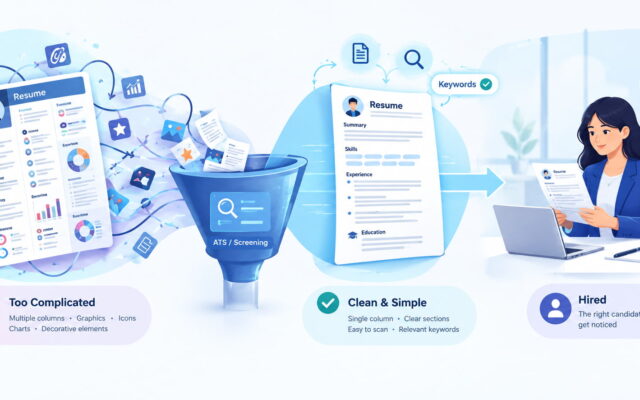
Never let AI add numbers you can’t back up; interviewers ask about them. Many employers also screen resumes with applicant tracking systems (ATS), so keep the layout simple: standard headings (Education, Experience, Skills), no tables or graphics, and the keywords from the job ad. Our ATS-friendly resume guide with ChatGPT prompts and a template covers this in detail, and the Resume Prompt Generator has a mode for writing your resume summary.
What AI Should and Shouldn’t Do for You
| Let AI do this | Keep this yourself |
|---|---|
| Shorten a long reading into notes | Checking the notes against the source |
| Write practice questions | Answering them without looking |
| Suggest an essay structure | The argument, evidence and wording |
| Reshape a resume bullet | The facts and numbers in it |
Used like this, AI saves you the organizing time and leaves the learning to you. The Students & Job Seekers Starter Kit collects our free tools for studying and job applications.

[…] Want more ready-made study tools in one place? The Students & Job Seekers AI Starter Kit groups our free tools for summarising, rewriting and practice. If you’re also using AI for essays or your first resume, see AI for Students: Summarize Readings, Outline Essays and Fix Your Resume. […]