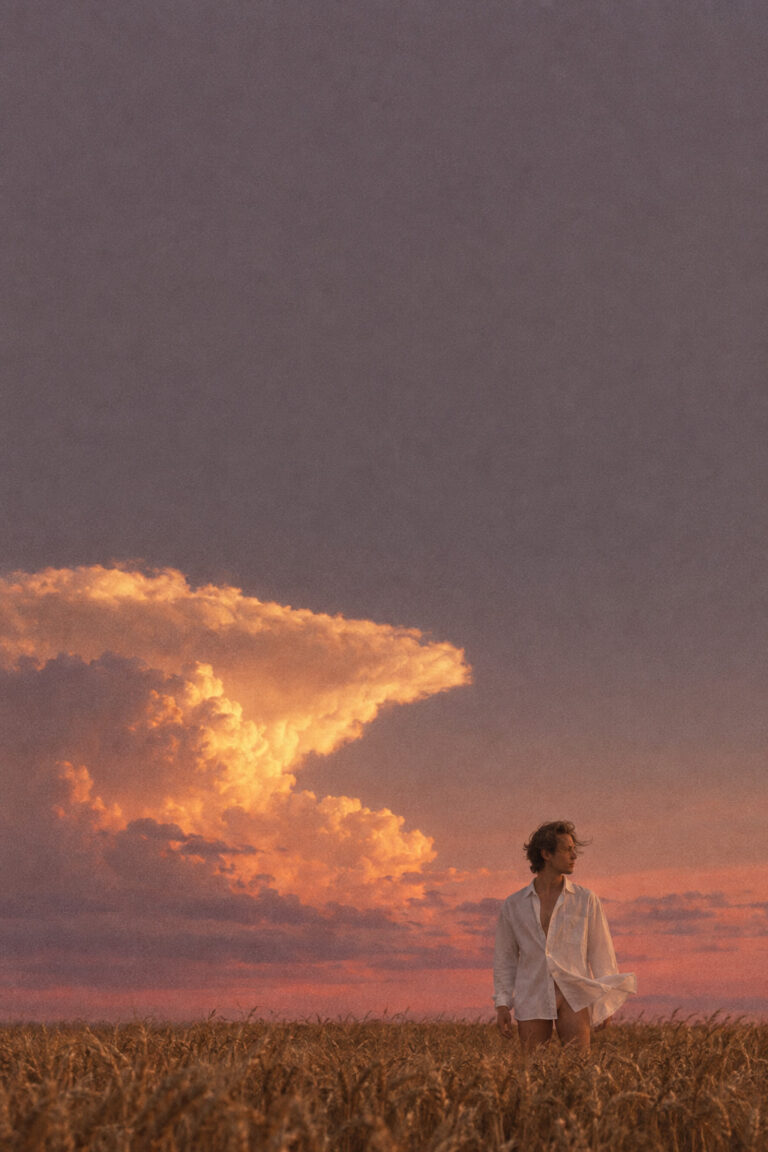
Editorial Fashion Portrait in a Wheat Field at Sunset
Editorial fashion photograph, wide vertical frame where the sky occupies roughly seventy-five percent of the composition. A colossal cumulonimbus anvil cloud sits…

A growing library of AI image prompts, each shown with a real before and after. Copy any prompt straight from its card and paste it into your own AI image generator.
Editorial fashion photograph, wide vertical frame where the sky occupies roughly seventy-five percent of the composition. A colossal cumulonimbus anvil cloud sits…
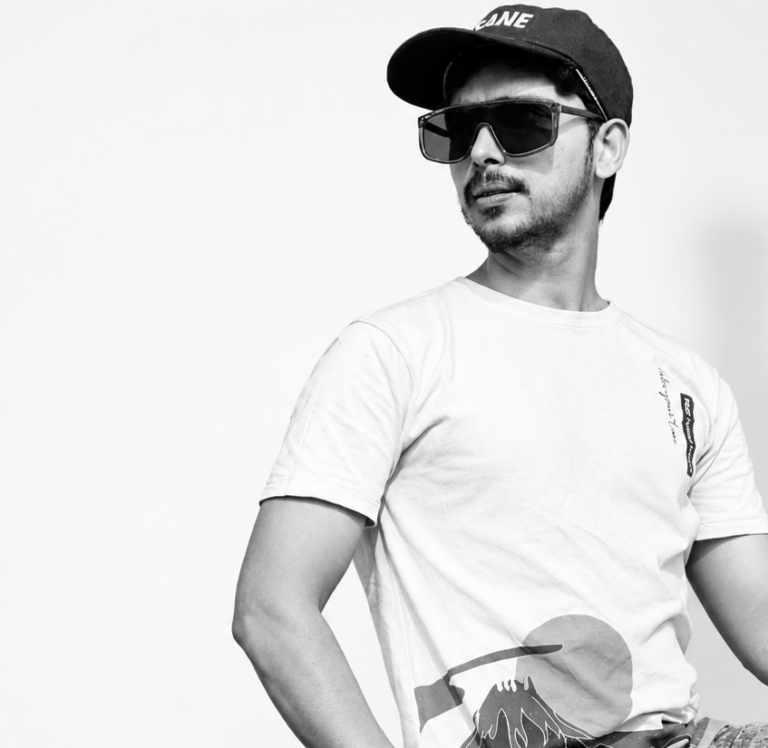
Change the background to a clean, professional studio white background. The subject should remain sharp and natural, with soft, even studio lighting,…
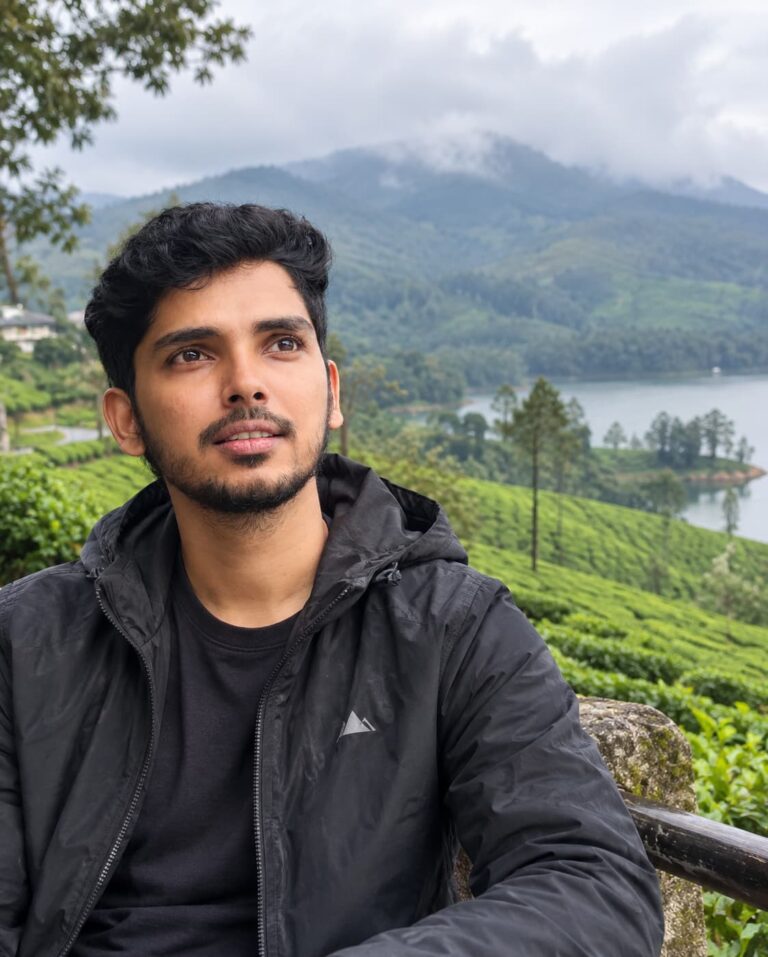
Turn my uploaded photo into an authentic professional travel photograph taken in [destination]. Keep my face and identity consistent while naturally integrating…
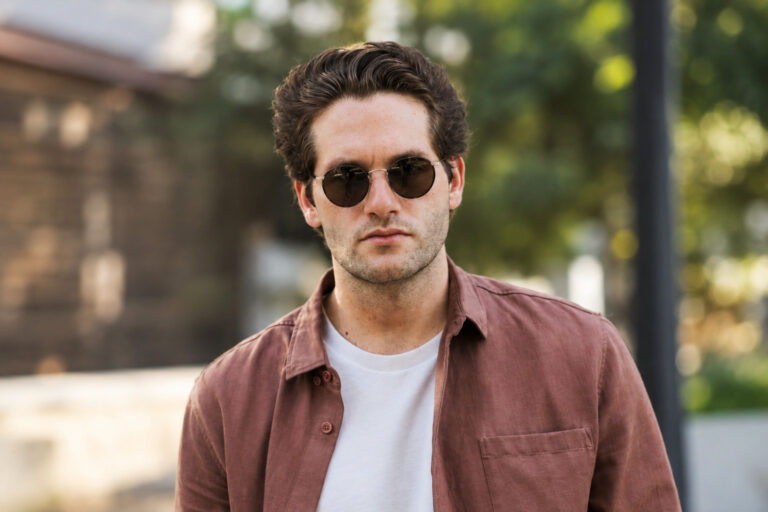
Transform my uploaded photo into a professional DSLR portrait. Keep my face, facial structure, skin tone, hairstyle, and identity recognizable and natural.…
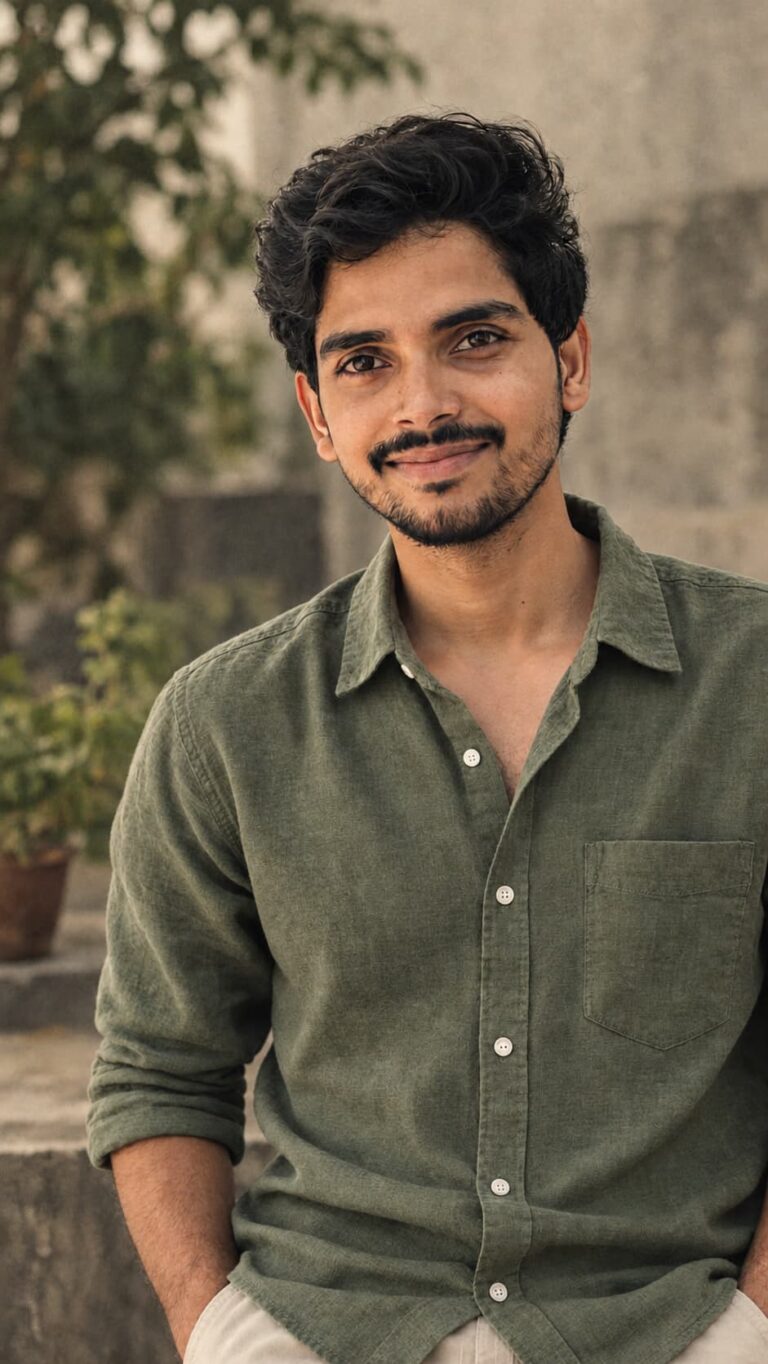
Use the provided image as the source image. Preserve the original subject’s identity, facial features, hairstyle, body proportions, clothing, pose, framing, and…
Each prompt is the exact text behind the example image, so you can reproduce the look and then make it your own.
Browse the cards or filter by category. The badge on each image shows the AI tool the example was made with.
Use the copy button on the card, or open the prompt to read it in full next to its before and after.
Run it as is, or swap in your own subject, setting, and lighting. Small, specific changes work better than rewriting it all.
Want a prompt written around your own idea instead? These free tools build one from a few details.
Yes. Every prompt on this page is free to copy and use, with no account and no sign-up.
Each card shows the tool its example was made with. The prompts are plain text, so you can paste them into other image generators too, though the result will differ from tool to tool.
The before image is what we started with, and the after image is the result that the prompt on that page produced.
Yes. Open any prompt and use the "Ask for a change" box. It builds a ready-to-paste request that you run in your own AI assistant to get a refined version of the prompt.